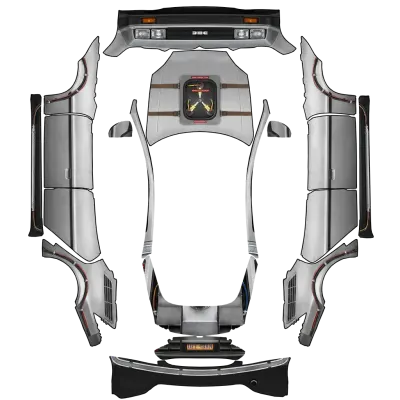
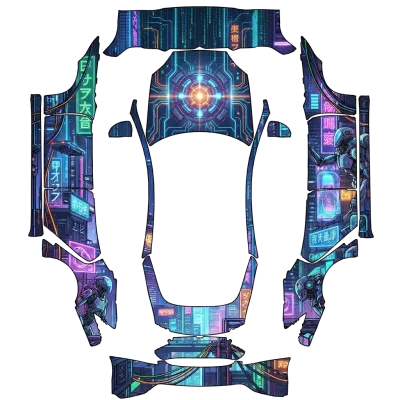
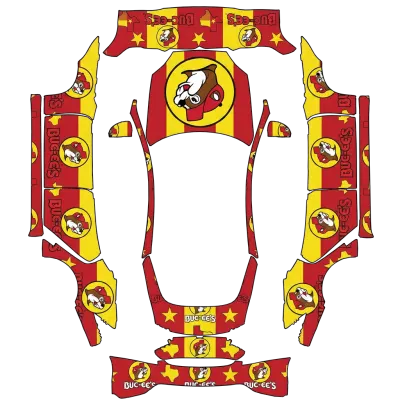
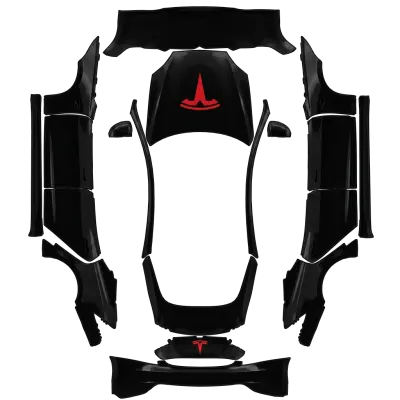
How to Install Custom Wraps on Model S
Follow these steps to apply custom wrap designs to your Tesla Model S using the Paint Shop feature. Ensure your files meet the technical requirements before transferring them to your vehicle.
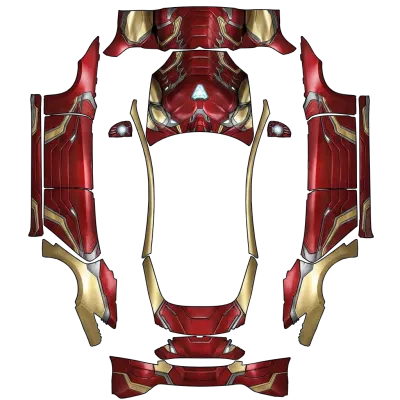
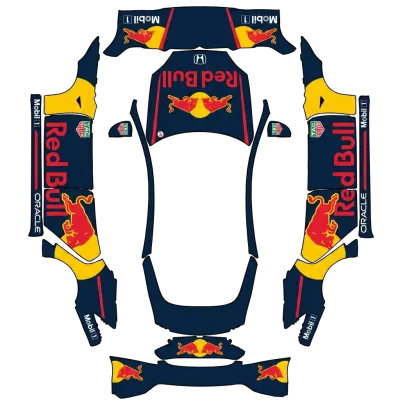
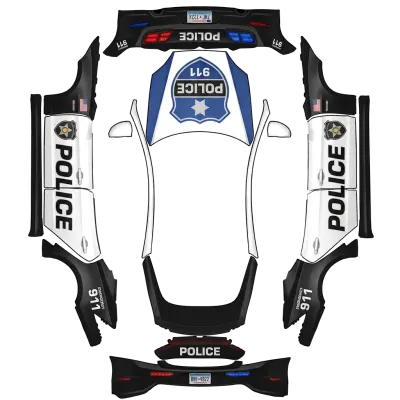
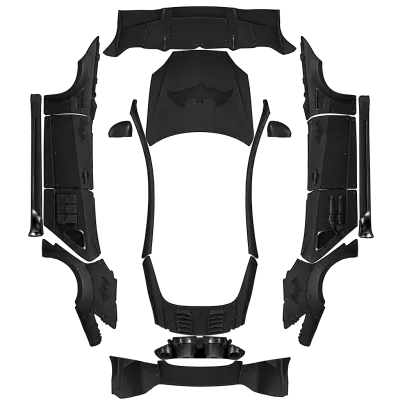
Which template fits my car?
- Check your Model S production year and trim level to select the correct template.
- Use the 'Model S (2021+)' template for standard models from 2021 onwards.
- Select the 'Model S (2025+) Plaid' template if you own the newer Plaid variant.
Install in 3 steps
- 1Copy the PNG into a folder named Wraps on a USB drive (exFAT or FAT32).
- 2Plug the drive into your Tesla.
- 3Open Toybox → Paint Shop → Wraps and pick it.
Tips
- Verify your PNG file is between 512x512 and 1024x1024 pixels and under 1 MB.
- Name your file using only letters, numbers, underscores, or hyphens, keeping it under 30 characters.
- Format your USB drive as exFAT or FAT32, not NTFS, and place files in a folder named 'Wraps' at the root.
- Insert the USB drive into the car and navigate to Toybox > Paint Shop > Wraps to select from up to 10 designs.
FAQ
Which template should I use for my Model S?+
Use the 'Model S (2021+)' template for most models. If you have the 2025+ Plaid trim, use the 'Model S (2025+) Plaid' template.
What are the file requirements for Model S wraps?+
Files must be PNG format, between 512x512 and 1024x1024 pixels, and no larger than 1 MB. File names can only contain letters, numbers, underscores, and hyphens, with a maximum length of 30 characters.
How do I load wraps onto my Model S?+
Format a USB drive to exFAT or FAT32, create a folder named 'Wraps' at the root, and copy your PNG files there. Plug the drive into your car and open Toybox > Paint Shop > Wraps.