· 4 min read
The Complete Tesla Wrap Guide for 2026: Find, Design and Install
Everything about Tesla digital wraps in one place: what Paint Shop is, which template fits your car, where to get free wrap PNGs, how to make your own and how to load them by USB or phone.
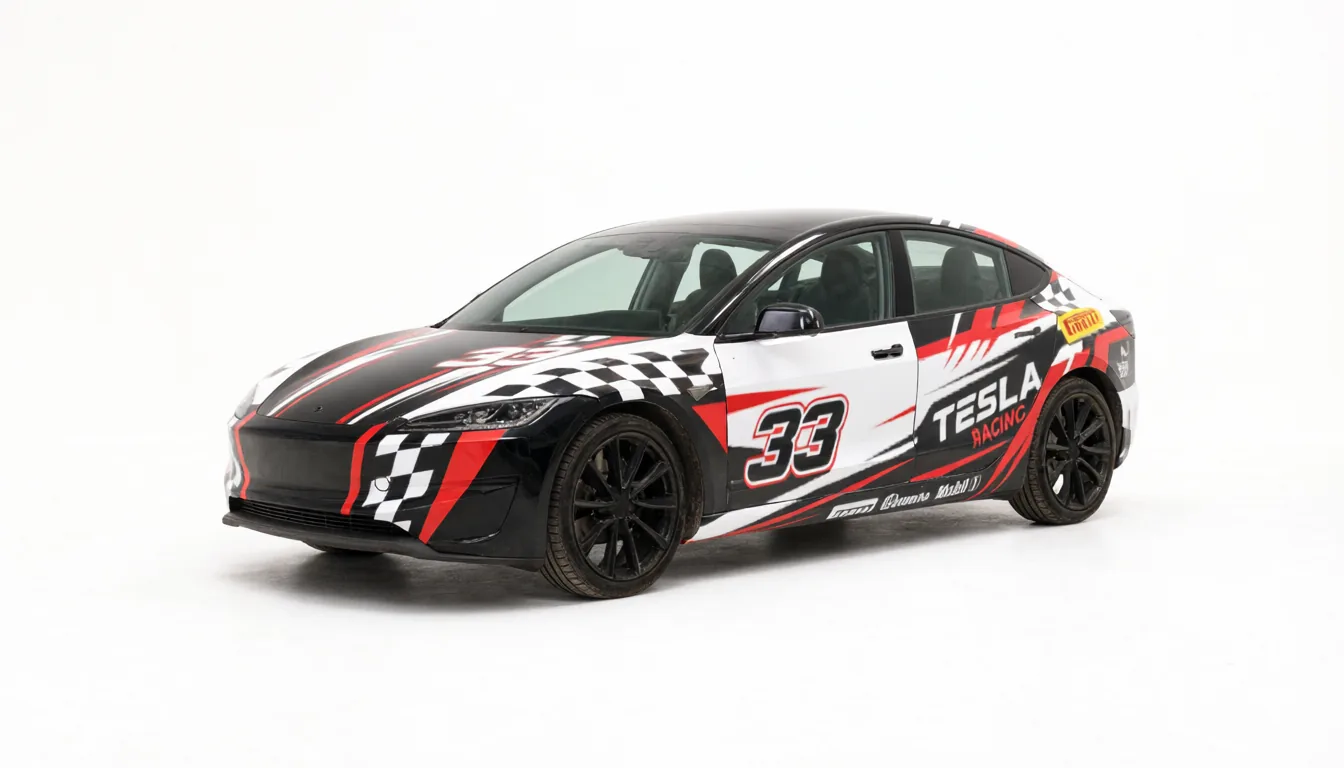
Tesla lets you repaint the 3D car on your touchscreen with any image you like. No vinyl shop, no paint booth, no cost. The feature is called Paint Shop, and a "wrap" is simply a PNG file laid over your car's 3D model. This guide walks through the whole process, from picking the right template to seeing the result on your screen.
What a Tesla digital wrap actually is
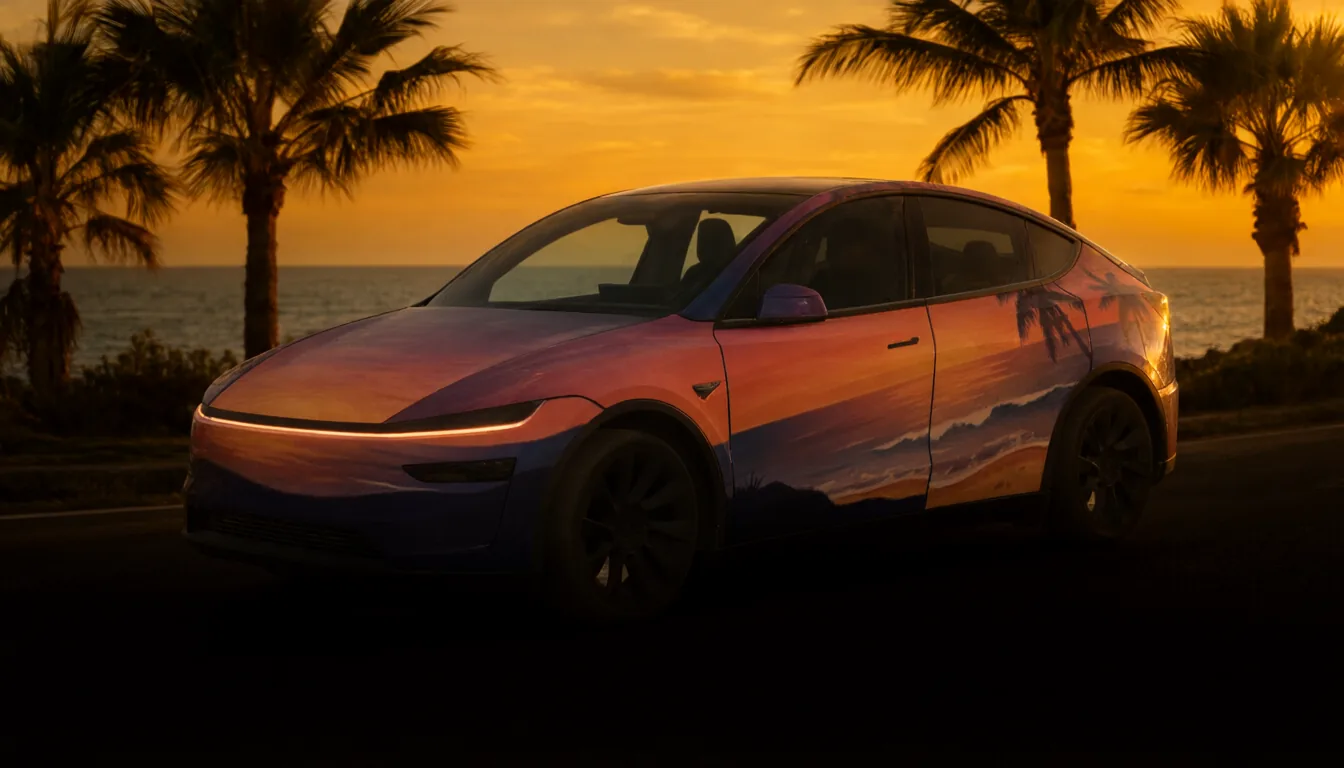
Every Tesla draws a 3D model of itself on the center display and in the Tesla app. Paint Shop, found under Toybox, lets you replace that model's paint with an image of your own.
The image is not a photo of a car. It is a flat, square texture laid out on a UV template: every pixel corresponds to a specific spot on the body. The hood sits in one area, each door in another, the bumpers and mirrors elsewhere. When Tesla wraps the texture around the 3D model, those areas land on the matching panels.
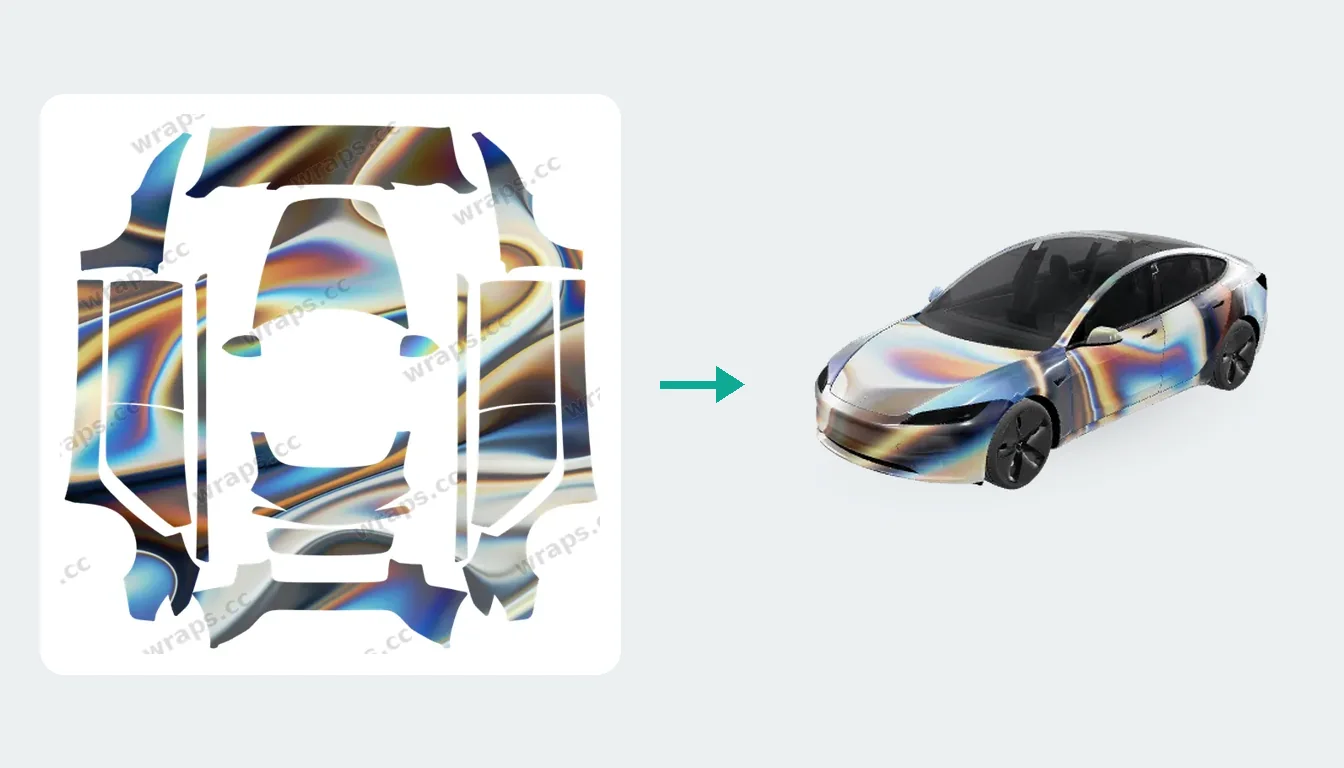
Two consequences follow:
- A random picture will not look right. It has to be painted onto the template for your car.
- A wrap made for one model does not fit another. The panels are laid out differently.
Digital wraps only change what you see on the screen and in the app. Your real paint is untouched.
Which template fits your car
Tesla has published separate templates for each body style, and the differences matter more than most people expect:
- Model 3: 2017–2023, and the 2024+ refresh (with separate Standard/Premium and Performance layouts)
- Model Y: 2020–2024, the 2025+ refresh (Standard, Premium and Performance), and the long-wheelbase Model Y L
- Model S (2021+) and Model X (2021+)
- Cybertruck
If a wrap looks smeared, shifted or upside down on your car, a template mismatch is almost always the reason. On wraps.cc, every design shows which template it was made for, and you can browse wraps by model to see only designs that match.
Three ways to get a wrap
1. Download a free one
The quickest route is the wraps.cc gallery, which has more than 10,000 free designs. Pick your model, sort by newest, most downloaded or most liked, and open a design to see it spinning on a 3D car before you download. You can also browse by theme, such as racing, anime or matte black.
2. Generate one with AI
If you can describe it, Studio can paint it. Choose your car, write what you want ("gloss British racing green with a thin gold pinstripe") and optionally upload a logo or photo. The AI paints directly onto your car's template, so the result is ready to install.
3. Move a wrap from another model onto yours
Found a design you love, but it was made for a different Tesla? Fit my car in Studio transfers a wrap panel by panel on the 3D body, so a Model 3 design can become a Cybertruck design in seconds. Your first two fits are free.
Installing a wrap on your Tesla
Tesla now supports two ways to get a PNG onto the car.
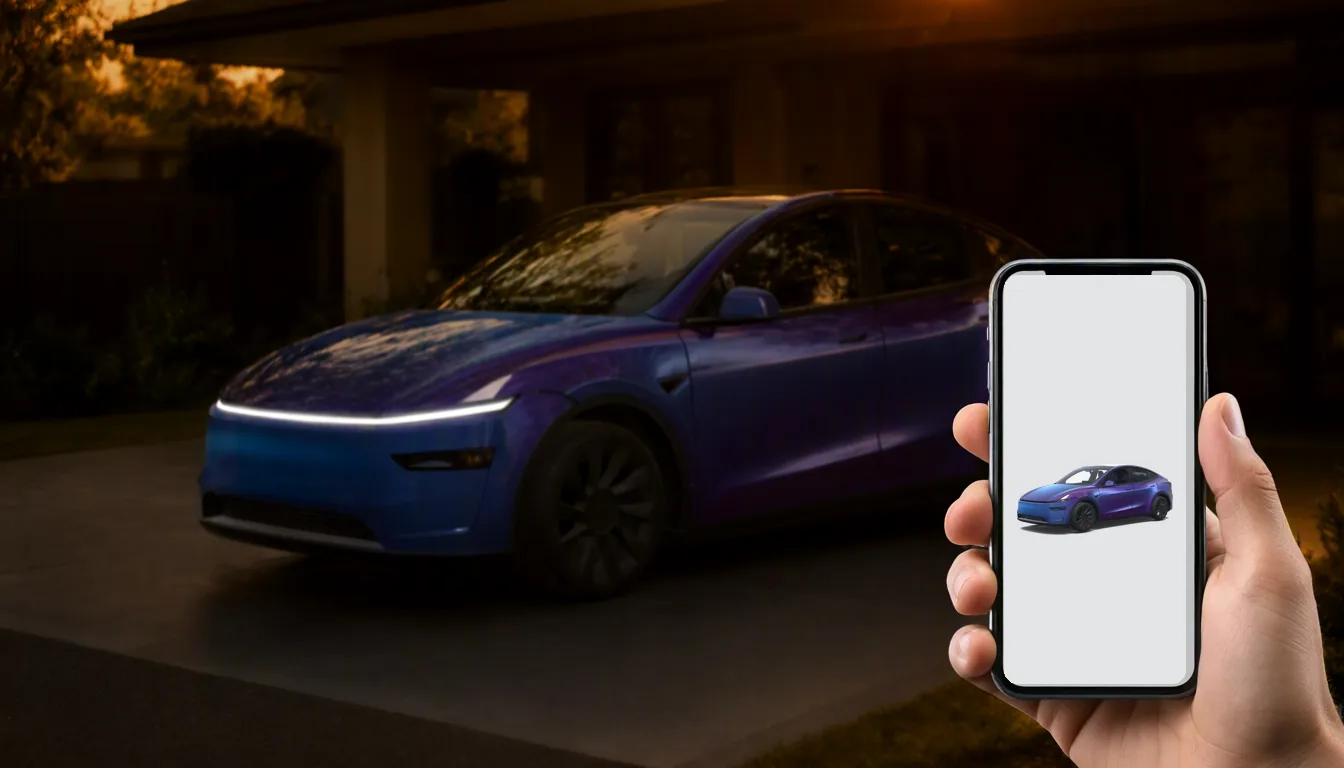
From your phone. With Tesla app 4.59.0 or later, open your car in the app, go to Creations → Wrap → Upload and pick the PNG. See our step-by-step mobile upload guide.
With a USB drive:
- Format the drive as exFAT or FAT32 (NTFS does not work).
- Create a folder named exactly
Wrapsat the root of the drive. - Copy your PNG files into it.
- Plug the drive into the car and open Toybox → Paint Shop → Wraps.
Either way, the file has to meet Tesla's rules:
| Requirement | Rule |
|---|---|
| Format | A real PNG, not a renamed JPEG |
| Size | 512×512 to 1024×1024 pixels |
| File size | 1 MB or smaller |
| File name | Up to 30 characters; letters, numbers, dashes, underscores |
| Quantity | Up to 10 wraps |
Every wrap downloaded from wraps.cc already meets these limits. The full checklist lives in our Paint Shop install guide.
Design tips that make a real difference
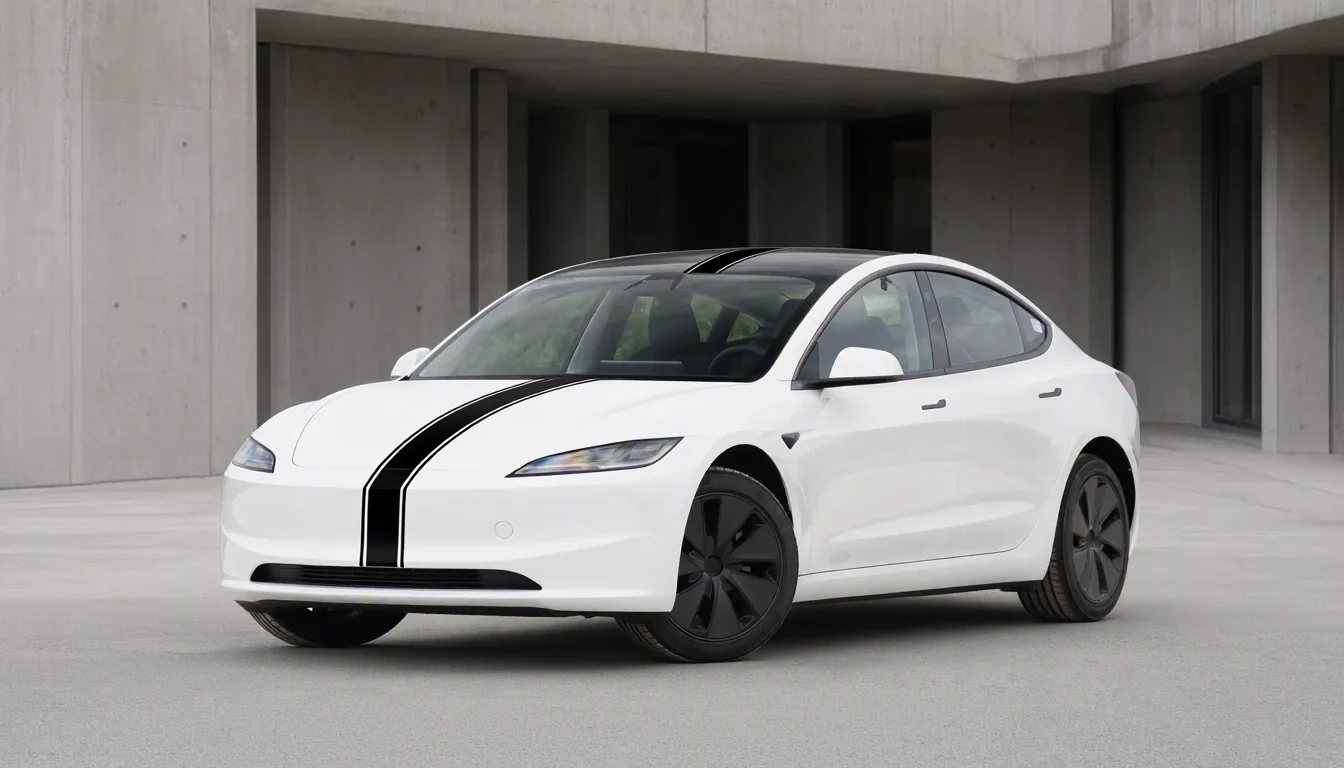
- Respect the seams. The template has panel boundaries: hood, doors, fenders. Graphics that line up with those boundaries look deliberate; graphics that run across them often break apart.
- Simple reads better. A busy full-body design can look like noise on a small screen. Some of the most downloaded wraps are a single color, a stripe, or a subtle gradient.
- Go a little darker and more saturated. The car's renderer adds lighting and reflections, which tend to wash out pale colors.
- Always check in 3D. Something that looks centered on the flat template can end up on a door edge. Every design page on wraps.cc has a 3D view for this.
Where to go next
New to wraps? Start in the gallery, filter by your model and try a few. Once you know what you like, ask Studio to make one that is yours alone. If something goes wrong, the Paint Shop troubleshooting guide covers every common error.
Popular Tesla wraps
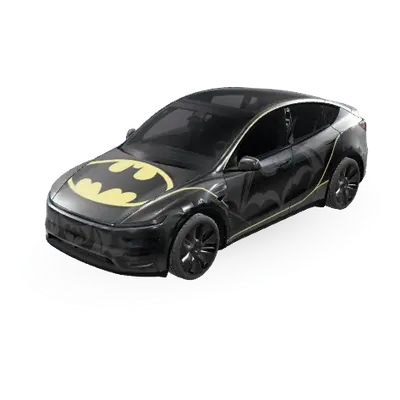
See all →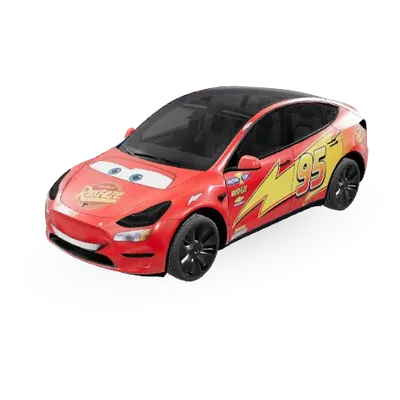
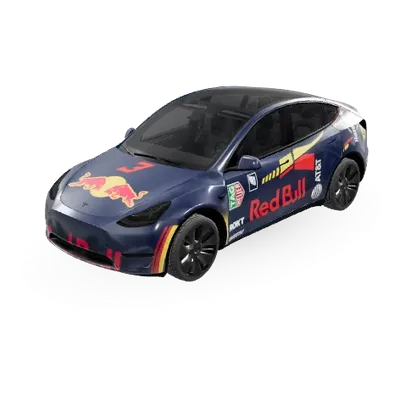
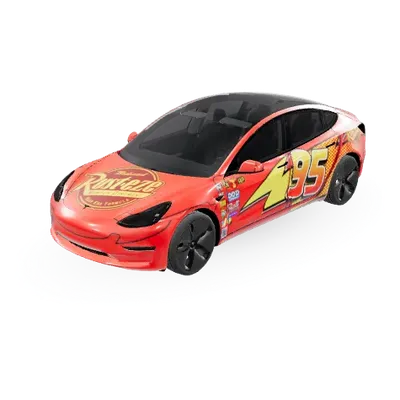
Find your next wrap
10,000+ free Tesla wraps, or let AI design one for your car.