· 3 min read
Tesla 2026 Summer Update: Wrap Uploads from Your Phone, Grok and Smarter Navigation
What's new in Tesla's 2026 Summer Update: custom wrap uploads in the Tesla app, more Grok commands, automatic navigation, preferred routes, Caraoke scoring, Rear Display Lock and more.
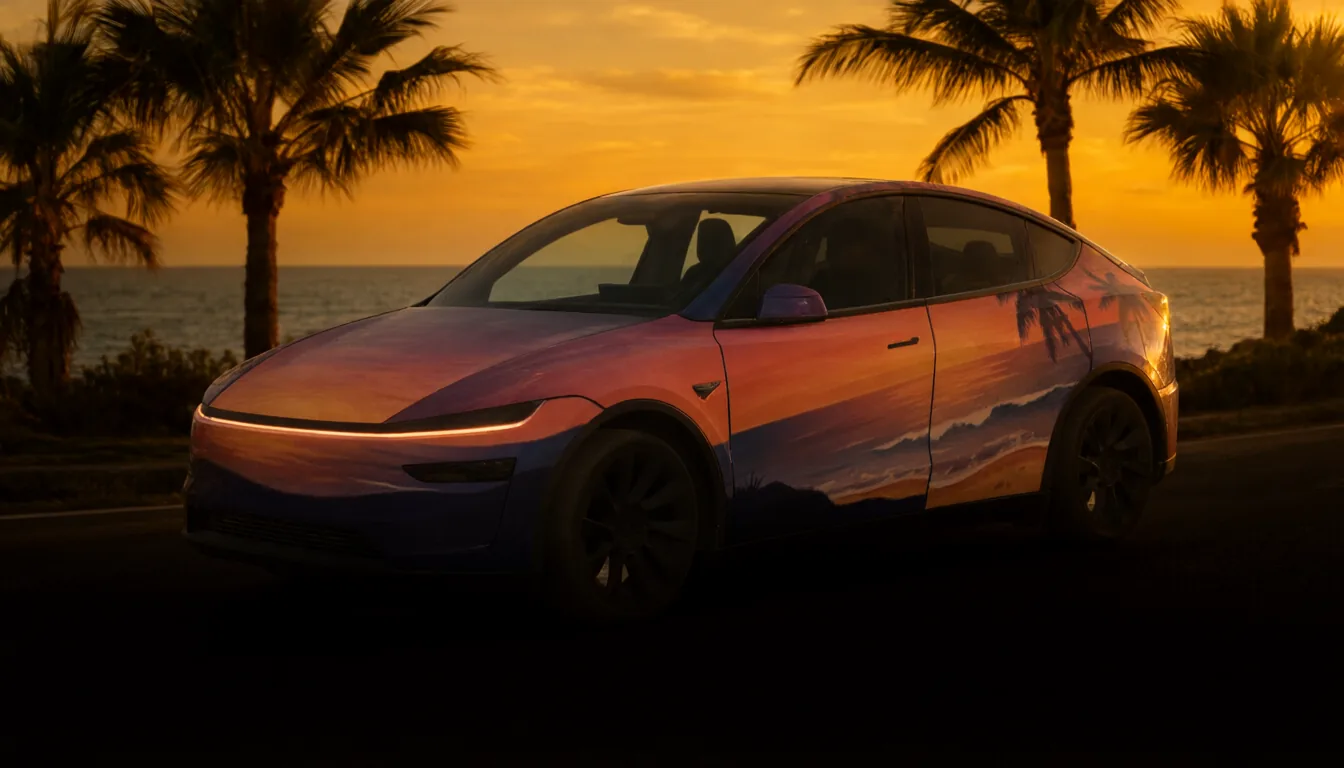
Tesla's 2026 Summer Update brings the phone and the car closer together. For anyone who customizes their Tesla, the headline is simple: you can now upload a custom wrap from the Tesla app, without a USB drive. Here is a rundown of the main changes.
At a glance
| Feature | What changes |
|---|---|
| Custom wrap upload | Upload a wrap PNG from the Tesla app |
| More Grok commands | The voice assistant handles more in-car tasks |
| Self-Driving stats | Driving statistics in the Tesla app |
| Automatic Navigation | Suggests likely destinations from your routines |
| Preferred Routes | Save the route you like for regular trips |
| Arrival Energy in the app | Set your arrival battery target from your phone |
| Caraoke scoring | Caraoke scores your singing |
| Rear Display Lock | The front row controls the rear screen |
As always with Tesla updates, features roll out in stages and can depend on the model, hardware, region and app version.
Custom wraps from your phone
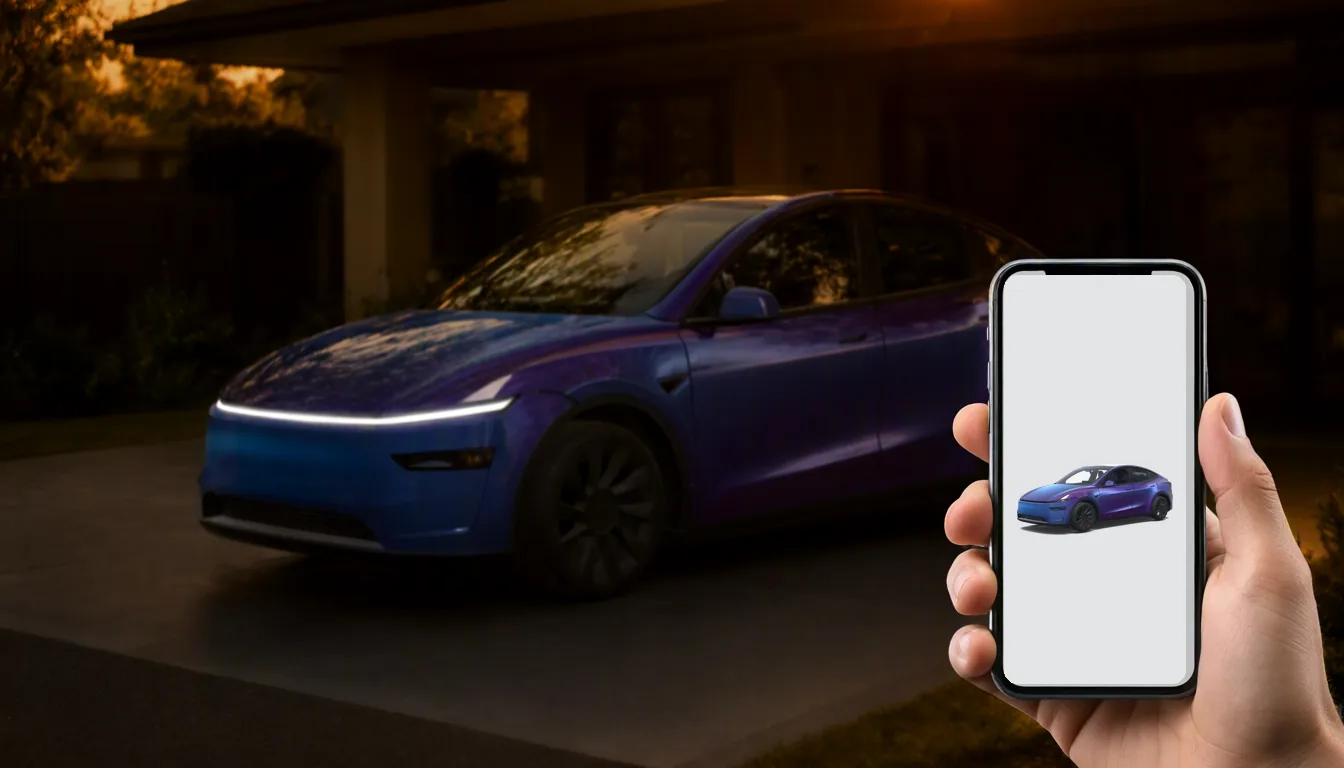
Until now, getting a custom wrap onto the car meant a USB drive with a Wraps folder. With Tesla app 4.59.0 or later, you can open Creations → Wrap → Upload and pick a PNG from your phone.
The file rules have not changed: a real PNG, 512×512 to 1024×1024 pixels, 1 MB or less, and a short file name using only simple characters. The app holds up to 10 wraps, and USB remains available as a separate route.
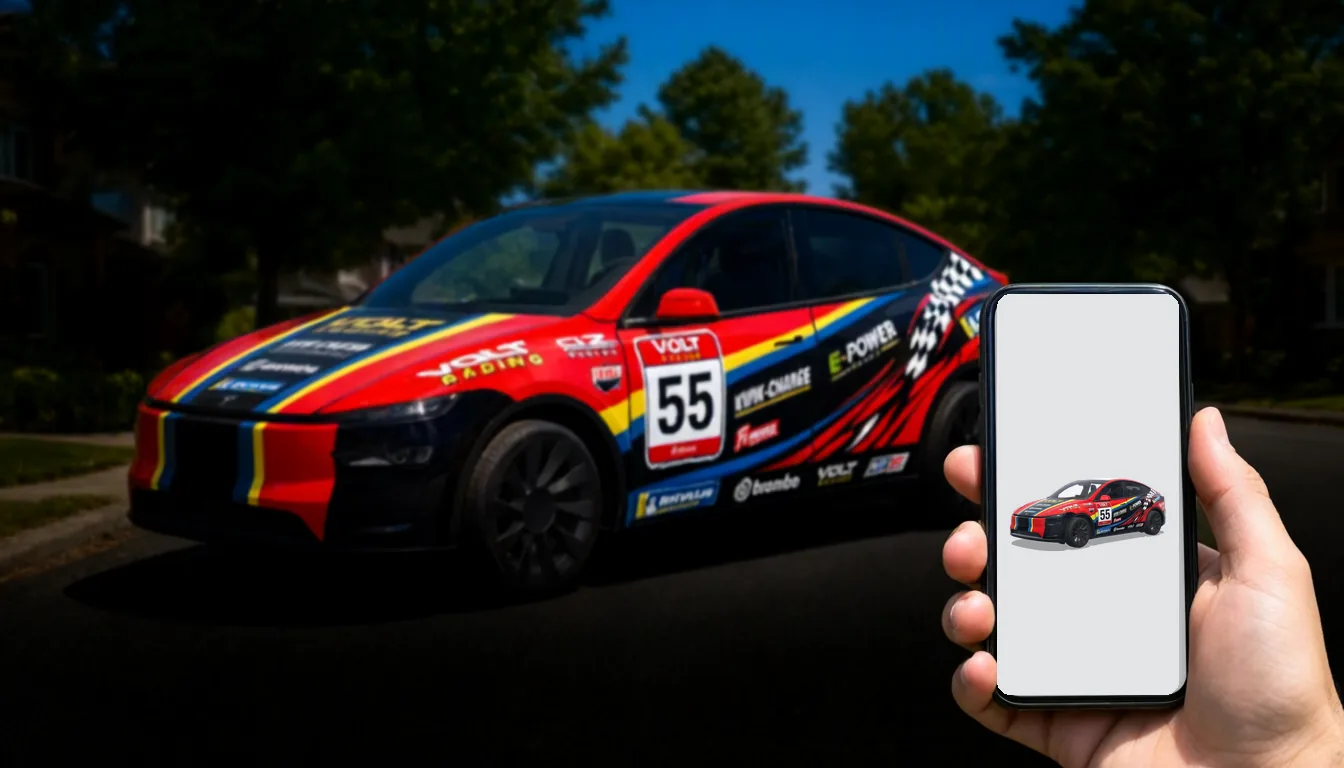
What also has not changed is that the image has to match your car's template. The easiest sources:
- Free designs in the wraps.cc gallery, filtered by your model
- A design made for you by AI in Studio
- A design from another model, converted with Fit my car
Full instructions are in our mobile upload guide.
Grok and Self-Driving
Grok, the in-car assistant, takes on more tasks: calling, finding and playing music, adjusting the climate, opening the glovebox and answering questions about the car. The exact commands depend on your software, language and region.
The Tesla app also gains Self-Driving statistics, so you can review your driving data away from the car.
Navigation
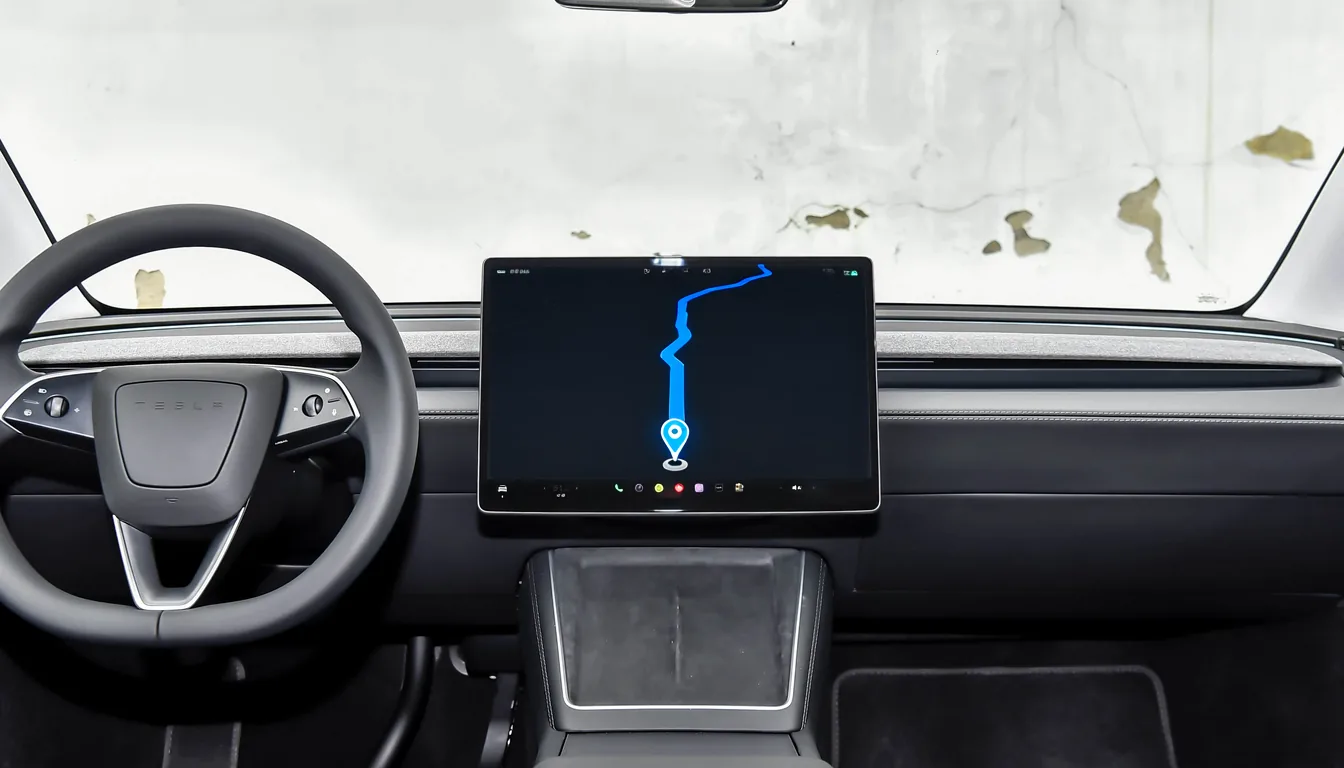
- Automatic Navigation learns your routines and suggests where you are probably heading, such as your commute or school run.
- Preferred Routes lets you save the way you like to drive a trip, even if it is not the fastest.
- Arrival Energy in the app lets you set the battery level you want to arrive with before you get in the car.
Entertainment and comfort
- Caraoke scoring turns parked singing sessions into a game, with high scores saved to your profile.
- Rear Display Lock lets the driver control what the rear screen shows, which is useful with kids in the back.
Smaller improvements include searching Superchargers by name, easier Apple Music queue management, more Self-Driving visualization options and refreshed welcome animations on newer Model 3 and Model Y.
Why the wrap upload matters
Digital wraps were always fun, but the USB step put many owners off: formatting a drive, naming a folder exactly right, walking to the car. Uploading from the phone removes most of that. Find a design on your phone, save it, upload it, done.
FAQ
Can a website send a wrap to my car directly? No. You save the PNG to your phone and upload it in the Tesla app yourself.
Is USB going away? No. Tesla still supports the USB Wraps folder method; see the Paint Shop guide.
What should I do first? Update the Tesla app, check that the upload option appears for your car, then try a single PNG from the gallery.
Popular Tesla wraps
See all →
Find your next wrap
10,000+ free Tesla wraps, or let AI design one for your car.