· 3 min read
Free Tesla Wrap Downloads: PNG Wraps for Every Model
Where to download free Tesla wrap PNGs for Model 3, Model Y, Model S, Model X and Cybertruck, what the files contain, how download limits work, and how to use blank templates.
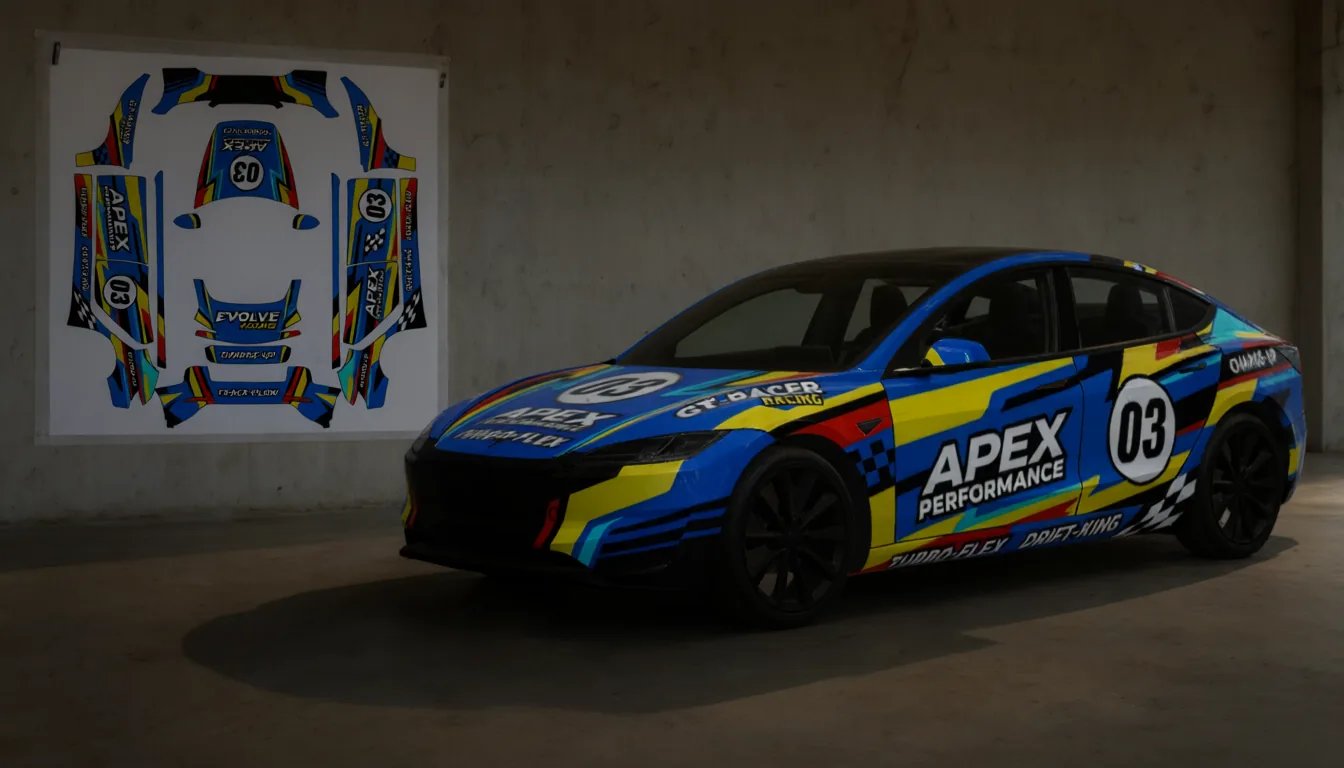
Every wrap in the wraps.cc gallery is free to download. No watermark, no premium tier. Pick a design, download the PNG, put it on your car. Here is how it works and what you get.
Where to find them
The gallery holds more than 10,000 designs. Narrow it down by model:
- Model 3 wraps: the largest collection, covering both the original and the 2024+ refresh
- Model Y wraps: including the 2025+ refresh
- Model Y L wraps: for the long-wheelbase Model Y
- Model S wraps and Model X wraps
- Cybertruck wraps
You can sort by Most downloaded to see what other owners chose, by Most liked, or by Newest. To browse by theme instead, start from the styles page: racing, anime, camo, carbon fiber, galaxy and dozens more. Or just search for what you want.
What's in the file
Every download is a PNG file prepared for Tesla Paint Shop:
- Size: up to 1024×1024 pixels, within Tesla's 512–1024 range
- File size: under 1 MB, Tesla's limit
- Format: a real PNG, which is the only format Paint Shop accepts
- No conversion needed: copy it straight to your phone or USB drive
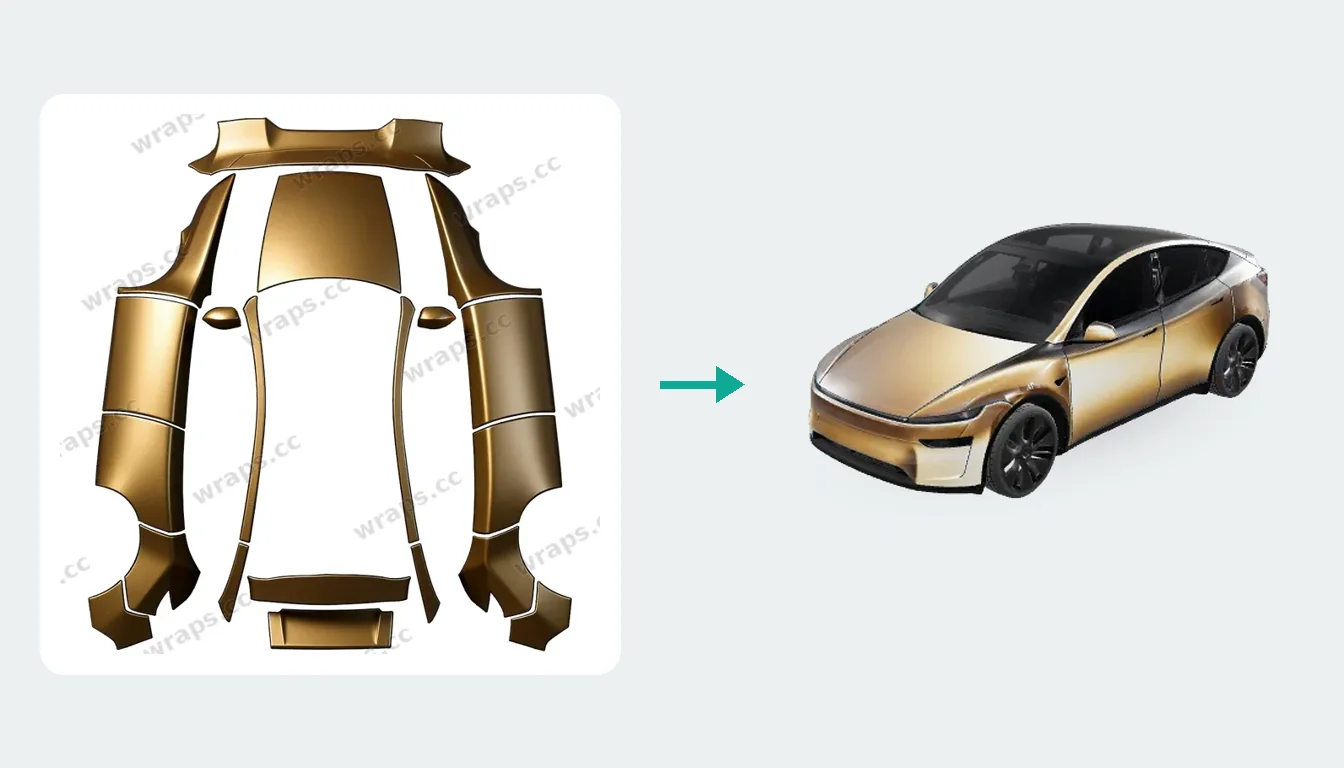
Each design page shows which template the wrap was made for, for example "Model Y (2025+) Premium". A wrap only fits the template it was designed on, so check that it matches your car.
Are there limits?
Browsing is open to everyone. Without an account you can download one wrap per day. A free account, which only needs an email address and a 6-digit code (no password), gives you unlimited downloads.
Blank templates for designing your own
If you want to design from scratch in Photoshop, Illustrator, GIMP or Figma, you need the blank UV template for your car. Tesla publishes the official templates in its custom-wraps repository on GitHub.
A few tips when working from a blank template:
- Work at the template's native size. Scaling a small image up looks blurry, and scaling down loses detail.
- Keep a layer with the template outline on top while you work, and hide it before exporting.
- Export as PNG and check the file is under 1 MB.
Don't want to open a design app at all? Studio paints directly onto the right template for you from a text description.
Found a wrap for a different model?
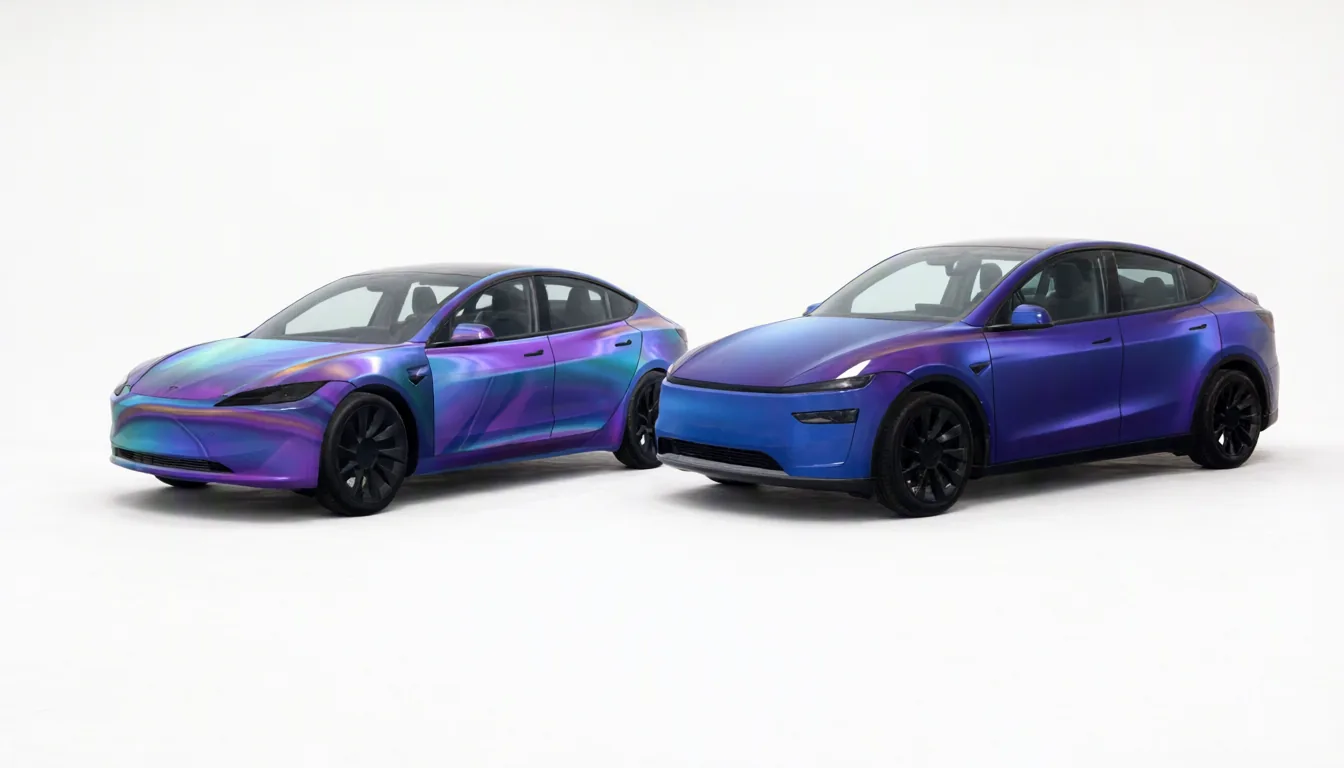
It happens a lot: the perfect design exists, but for a Model 3, and you drive a Model Y. Fit my car in Studio transfers the wrap onto your model panel by panel on the 3D body. Your first two fits are free.
Using the download
Upload the PNG from the Tesla app (Creations → Wrap → Upload, app 4.59.0 or later), or copy it into a Wraps folder on an exFAT or FAT32 USB drive, plug it in and open Toybox → Paint Shop → Wraps. You can load up to 10 wraps. Our install guide has the full details, and the troubleshooting article covers what to do if nothing shows up.
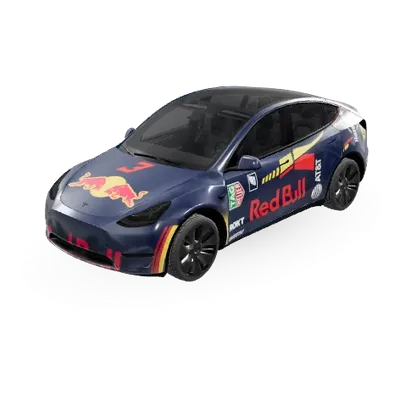
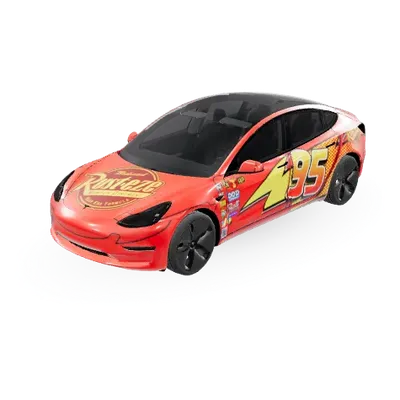
Popular Tesla wraps
See all →
Find your next wrap
10,000+ free Tesla wraps, or let AI design one for your car.