· 3 min read
Cybertruck Wrap Guide: Why It's the Easiest Tesla to Design For
How to find, design and install a Cybertruck wrap for Tesla Paint Shop. Why its flat panels make wraps easy, which styles work best, and design tips for the template.
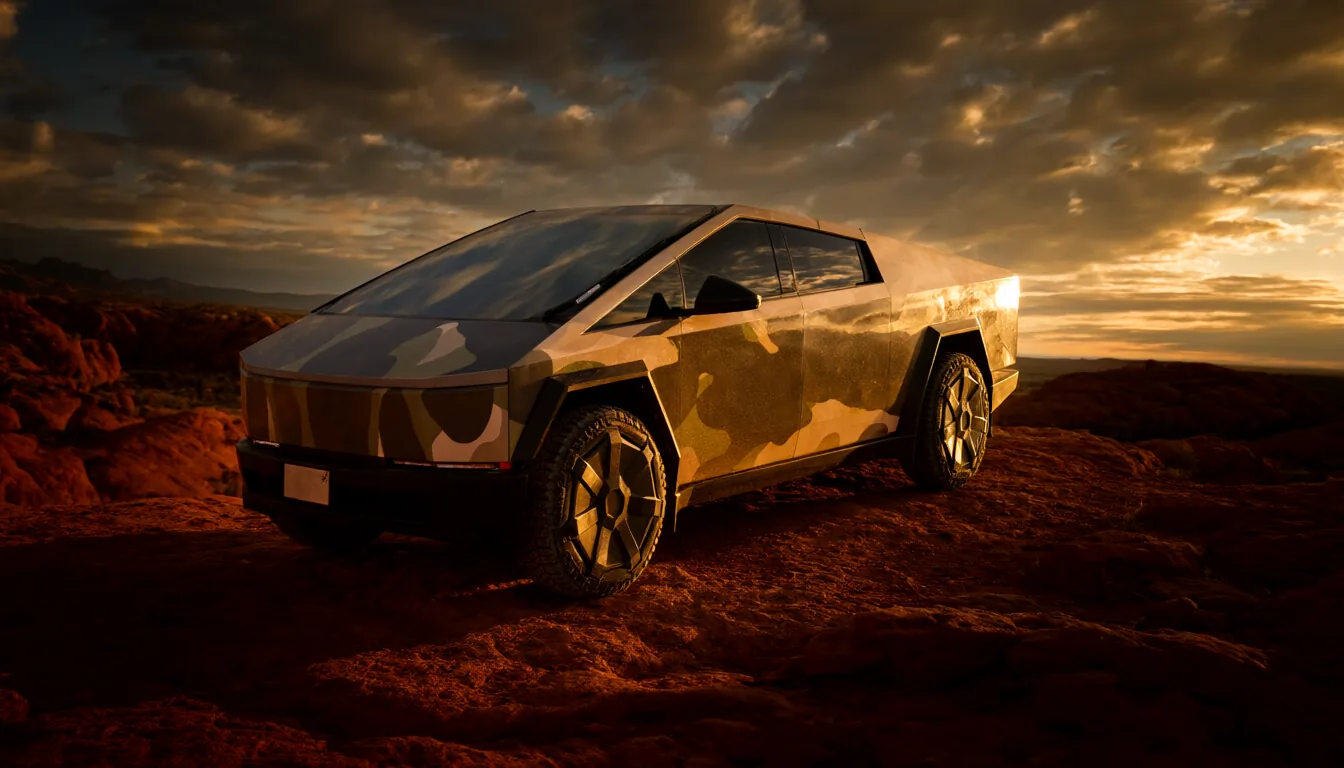
Most Teslas are smooth and curved, which makes designing a wrap a game of guessing how artwork will stretch. The Cybertruck is different. Its flat, angular stainless panels make it the most predictable Tesla to design for, and a great place to start if you have never made a wrap before.
Why flat panels make life easy
A wrap is a flat image laid over a 3D body through a UV template. On a curved car, the template has to squeeze and stretch to follow the surface, so a circle you draw can come out as an oval on the fender.
The Cybertruck's body is made of almost flat planes. Each plane maps onto the template with very little distortion, so what you draw is close to what you get. Straight lines stay straight, text stays readable, and logos keep their proportions.
Getting to know the template
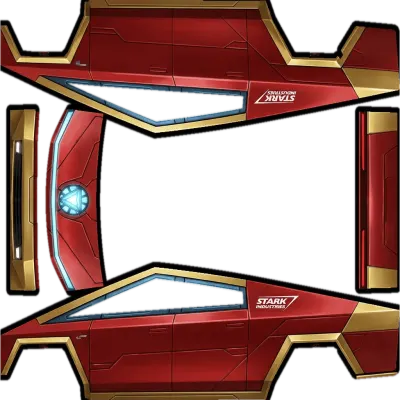
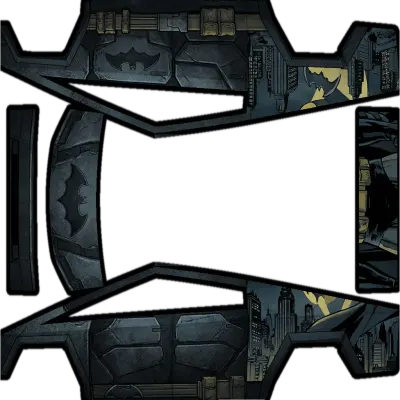
The Cybertruck template is organized into a few large areas:
- Sides: two long, flat expanses covering the doors and bed sides. This is your main canvas.
- Front: the pointed nose and the area around the light bar. Small, but it is what people see first.
- Rear: the tailgate, the largest single flat surface on any Tesla, ideal for one big graphic.
- Top: the roof and the tonneau cover. Easy to forget, but visible from above in the car's 3D view.
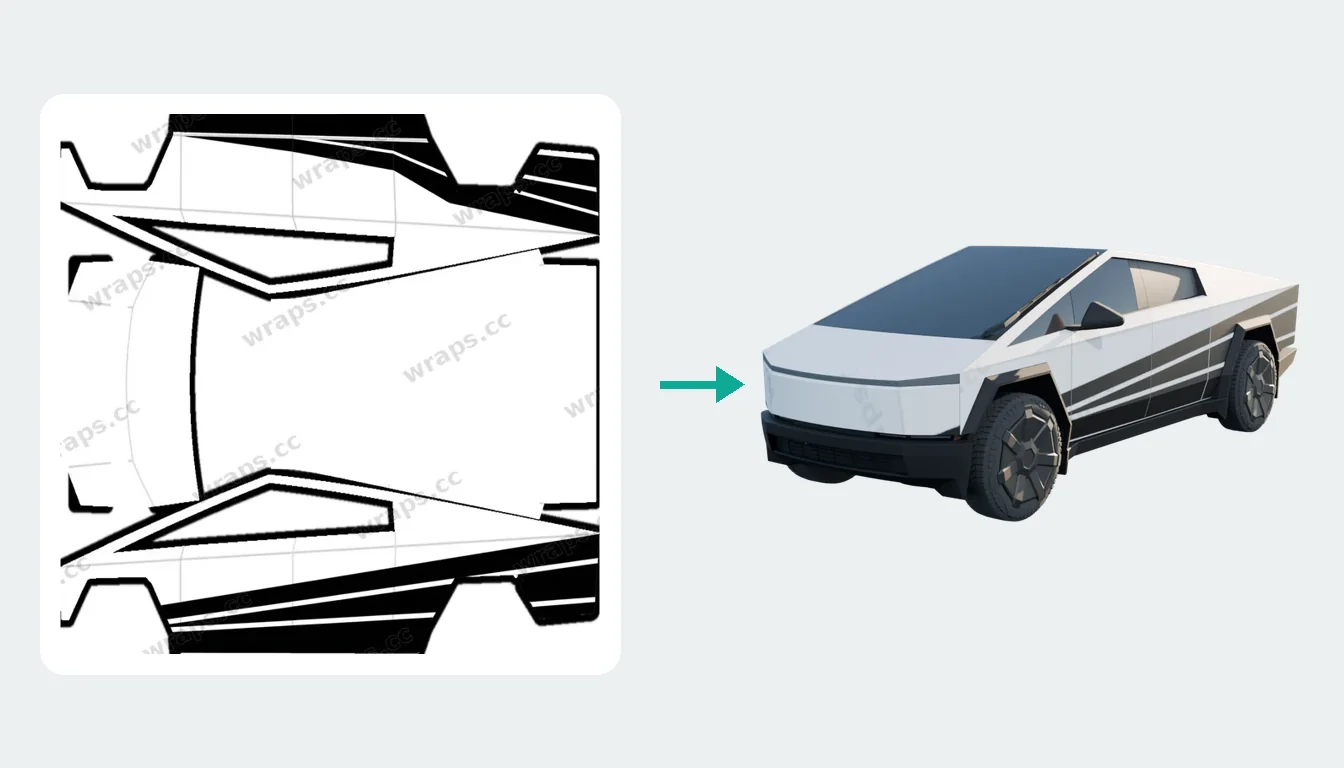
Open any design in the Cybertruck collection and switch between the 3D view and the template view to see how these areas line up.
Styles that suit the Cybertruck
Military and tactical
Desert, woodland or urban camo looks completely natural on a truck that already resembles a sci-fi vehicle. Matte olive and dark grey are perennial favorites.
Geometric patterns
Triangles, hexagons and faceted shapes echo the truck's own design language. Soft, organic curves tend to clash with it.
Sci-fi and cyberpunk
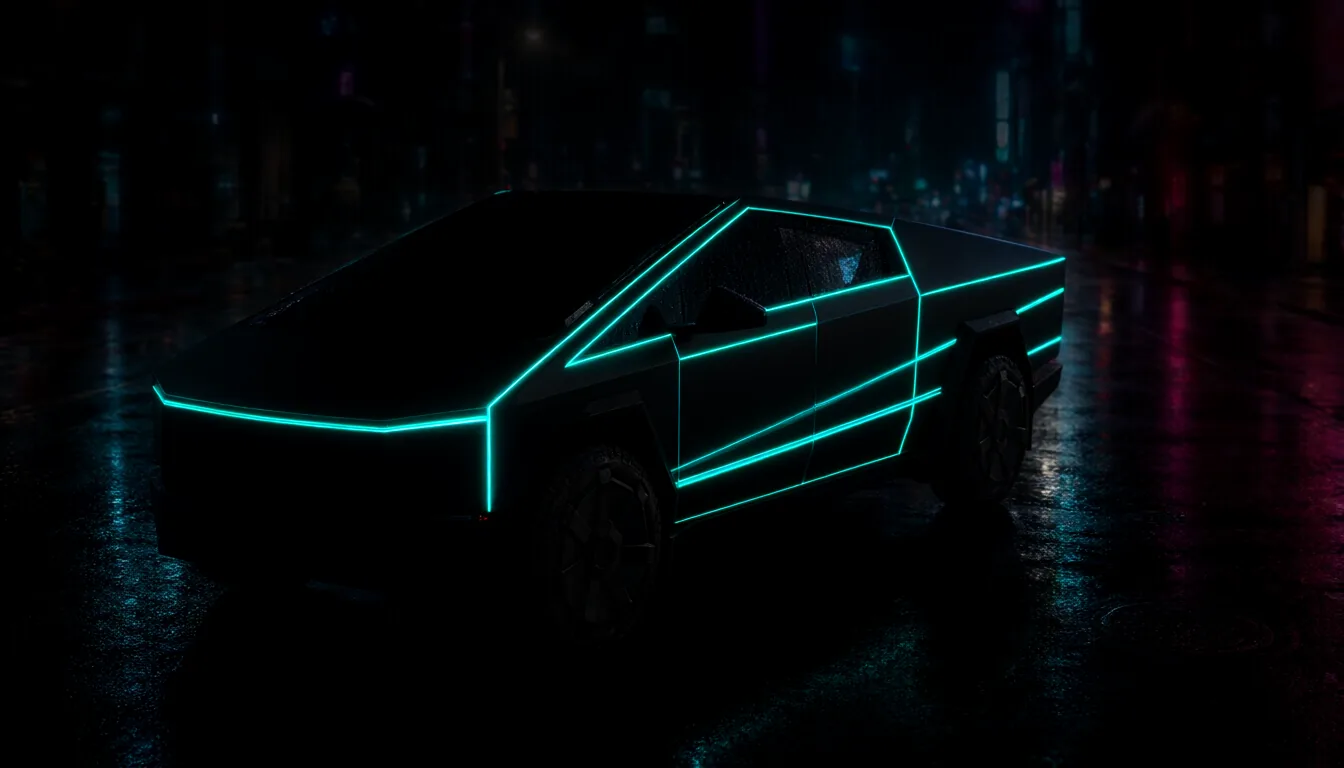
Glowing lines along the edges, armor-plate panels and neon accents. The cyberpunk look and the Cybertruck were made for each other.
Solid colors
The bare stainless look is iconic, but matte black, army green and gunmetal are hugely popular on screen. They are also the easiest wraps to make.
Design tips specific to the Cybertruck
- Follow the creases. The body has sharp folds. Graphics that line up with them look deliberate; graphics that cut across them at random angles look like mistakes.
- Use strong contrast. On the big flat panels, bold high-contrast designs read far better than subtle gradients.
- Don't forget the bed sides. A wrap that covers the cab but leaves the bed bare looks unfinished.
- Mind the light bar. The front light strip is a narrow area on the template. Keep important details away from it.
Three ways to get a Cybertruck wrap
- Download a free one from the Cybertruck gallery.
- Generate one with AI in Studio: choose Cybertruck and describe the look.
- Convert one from another Tesla with Fit my car in Studio. Many great designs were made for Model 3 or Model Y first, and Fit my car moves them onto the Cybertruck template panel by panel.
Installing it
Save the PNG, then upload it from the Tesla app (Creations → Wrap → Upload) or copy it into a Wraps folder on an exFAT or FAT32 USB drive and open Toybox → Paint Shop → Wraps. Our Cybertruck install guide covers every step.
Because it is digital, you can switch as often as you like: camo for the weekend, matte black for Monday.
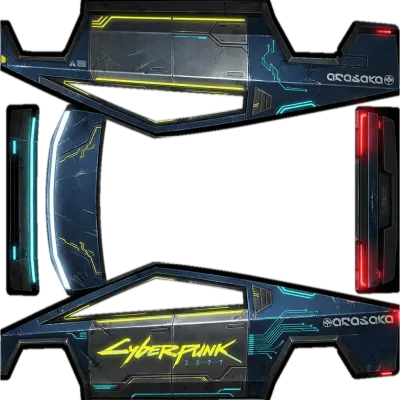
Popular Cybertruck wraps
See all →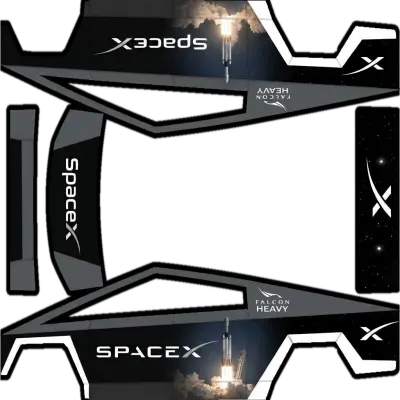
Find your next wrap
10,000+ free Tesla wraps, or let AI design one for your car.