Free Cybertruck Wraps for Tesla Paint Shop
Browse free Cybertruck wrap designs available as PNG files for Tesla Paint Shop. These templates are specifically formatted for the Cybertruck to ensure a perfect fit. Download the files to customize your vehicle's appearance directly through the car's interface.
How to install wraps on Cybertruck →All Cybertruck wraps · 316
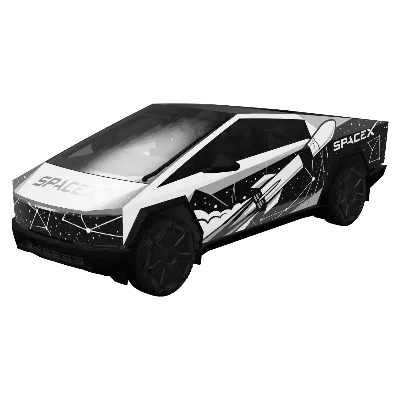
Space x. Colors: white, black.
Cybertruck↓ 3
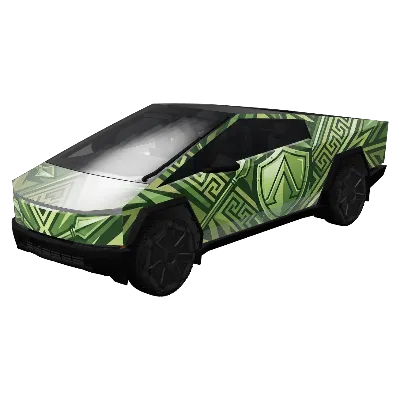
Make sure to add the Spartan helmet clearly.
Cybertruck↓ 2
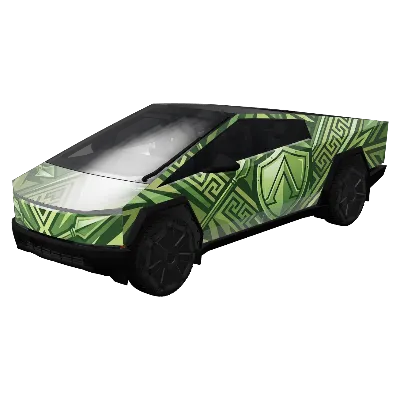
Spartan Green
Cybertruck↓ 3
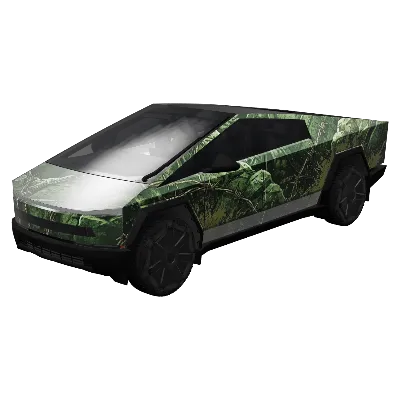
Spartan Beast
Cybertruck↓ 3
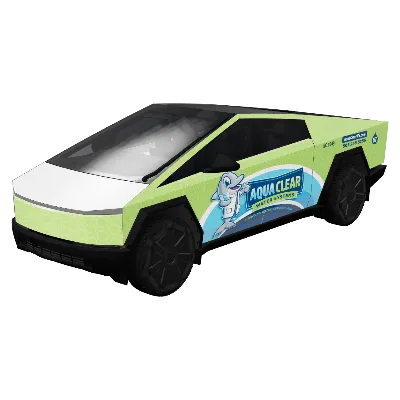
Aqua Clear Cybertruck
Cybertruck↓ 4
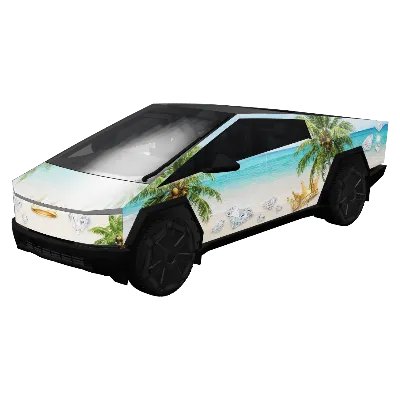
Tropical Crown Diamonds
Cybertruck↓ 4
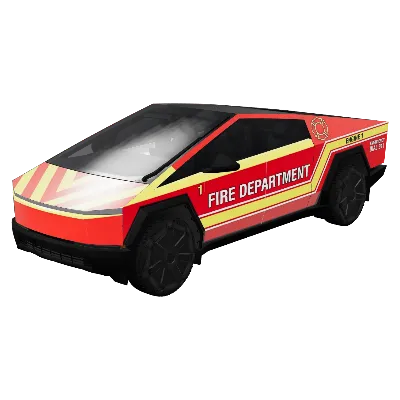
Red and Yellow Fire Department Livery
Cybertruck↓ 4
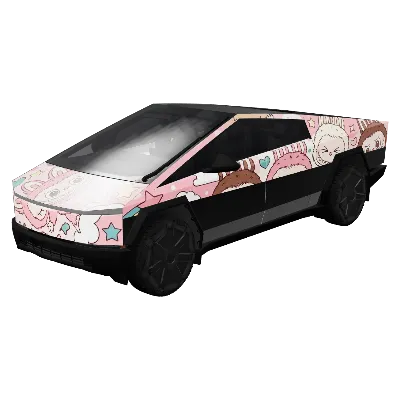
Labubu.
Cybertruck↓ 2
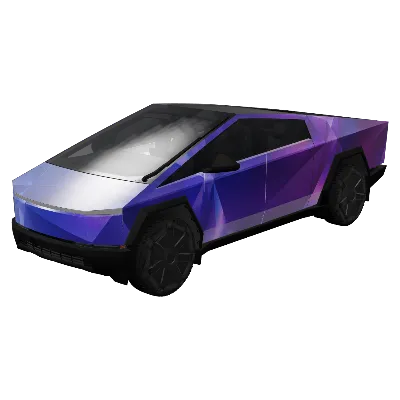
Translucent blue purple.
Cybertruck↓ 2
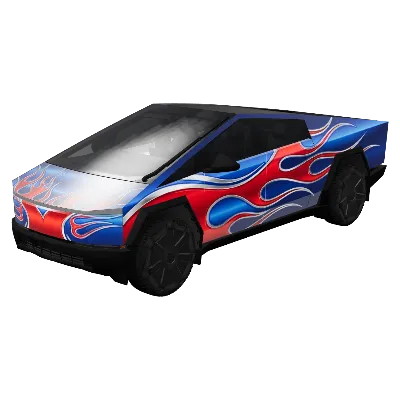
Hot Rod Cybertruck
Cybertruck↓ 2
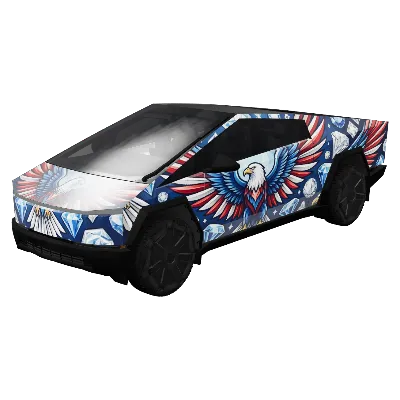
Patriotic Diamond Eagle
Cybertruck↓ 4
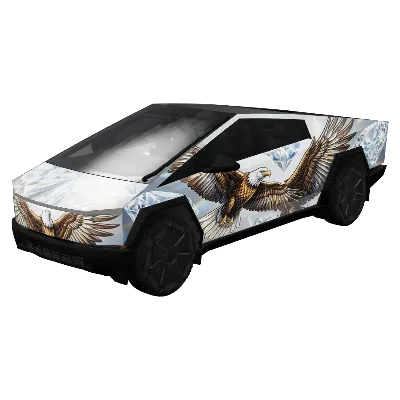
Crystal Eagle Cybertruck
Cybertruck↓ 2
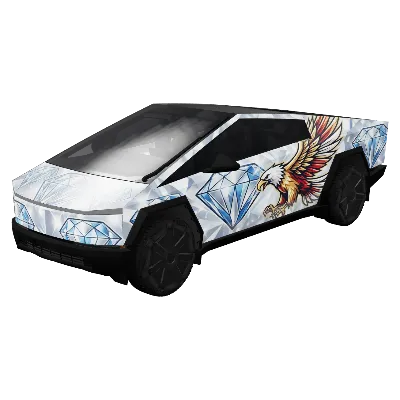
Ice Diamond Eagle
Cybertruck↓ 2
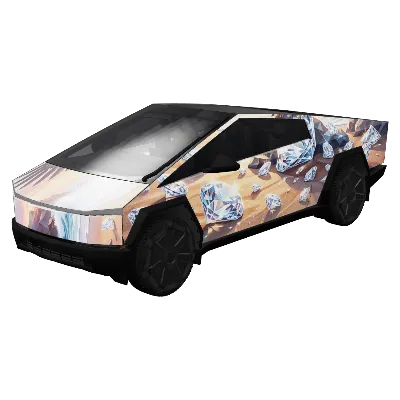
eagle on the beach with diamonds around it..
Cybertruck↓ 4
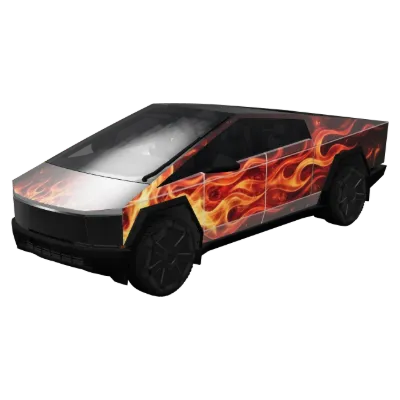
Too hot
Cybertruck↓ 3
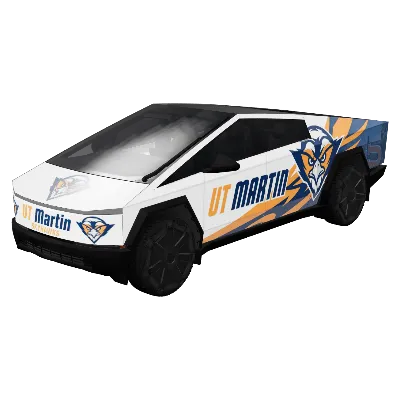
UTM
Cybertruck↓ 2
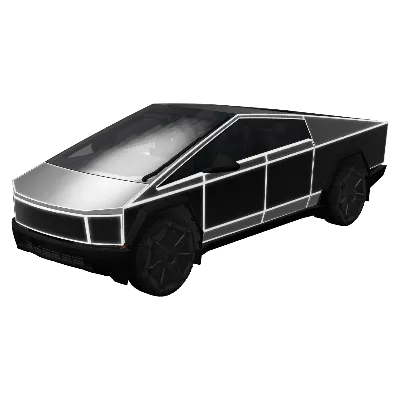
Cybertron V3
Cybertruck↓ 9
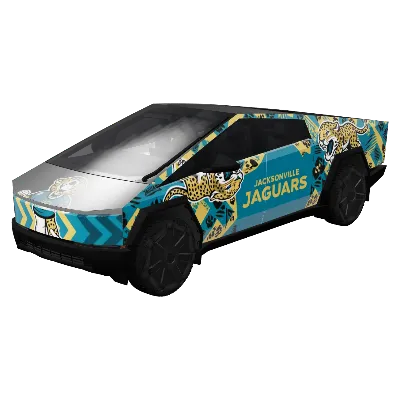
Jaguars
Cybertruck↓ 3
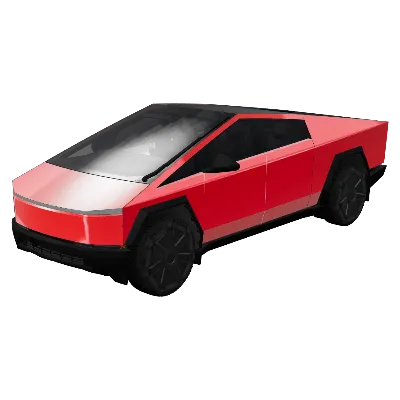
redcarminepillar
Cybertruck↓ 8
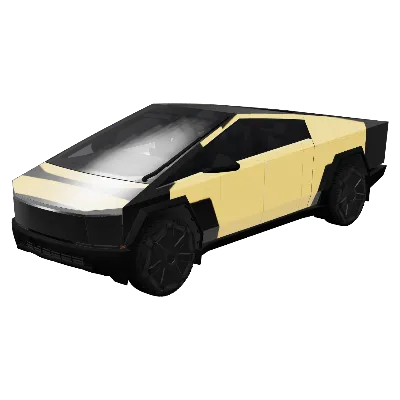
Golden Hour Glow
Cybertruck↓ 4
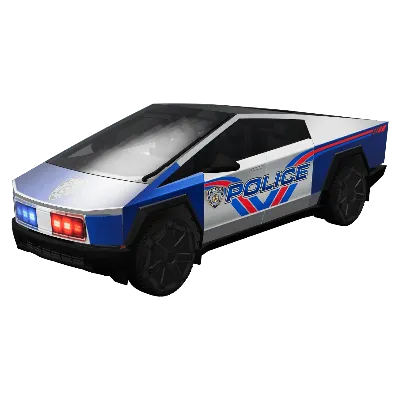
Police car
Cybertruck↓ 18
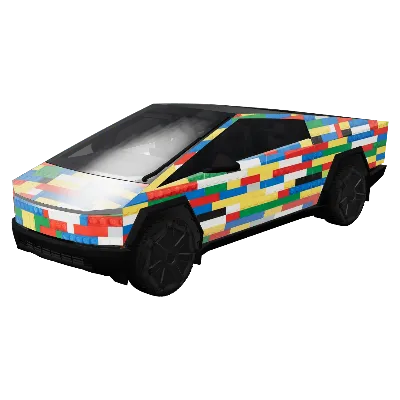
lego
Cybertruck↓ 6
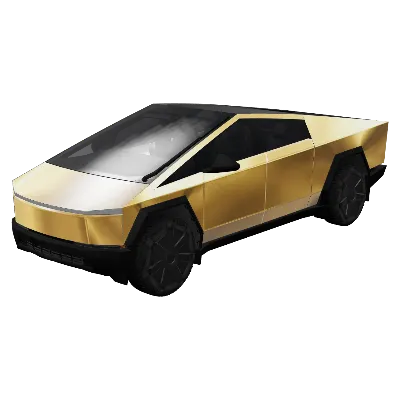
gold
Cybertruck↓ 17
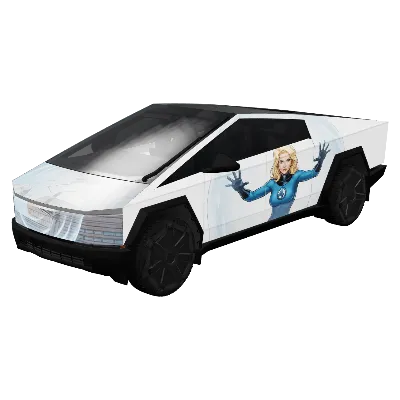
Sue storm
Cybertruck↓ 8
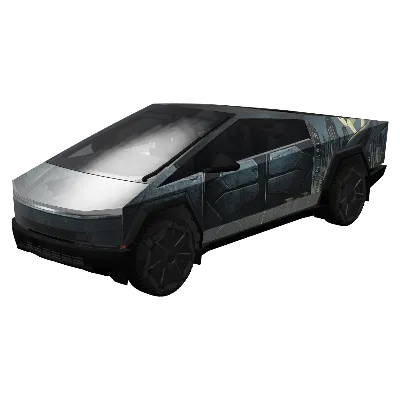
Batman
Cybertruck↓ 32
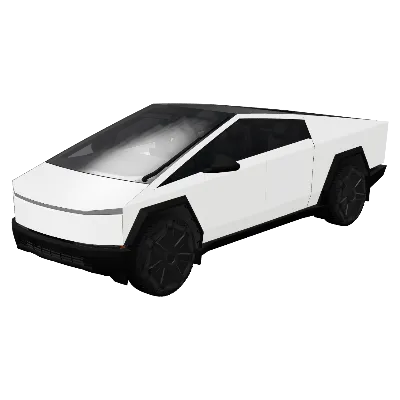
Elon Tesla's
Cybertruck↓ 3
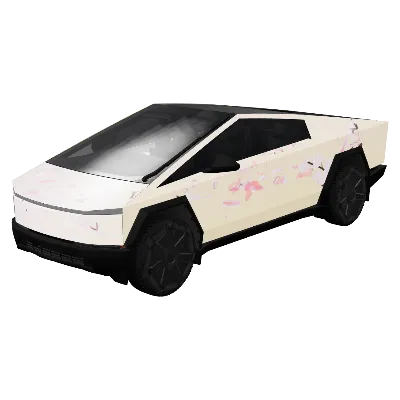
Cherry Blossoms
Cybertruck↓ 9
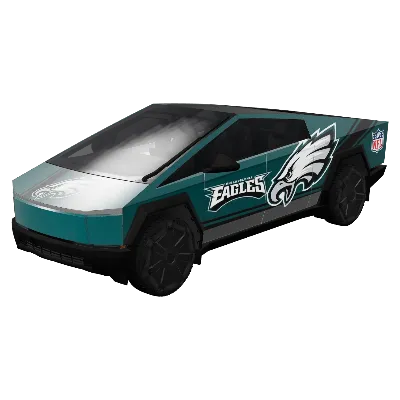
Philadelphia Eagles (2)
Cybertruck↓ 16
Which template fits my car?
- The Cybertruck uses a single dedicated template for all its models.
- Ensure your downloaded file is explicitly labeled for the Cybertruck to match this template.
- This ensures the design aligns correctly with the vehicle's unique geometry.
FAQ
How many Cybertruck wraps can I load from a USB drive?+
You can load up to 10 wraps from the USB drive into the Tesla Paint Shop.
What file format is required for Cybertruck wraps?+
The wrap file must be a real PNG image, sized between 512x512 and 1024x1024 pixels, and smaller than 1 MB.
Do I need different templates for different Cybertruck trims?+
No, one template covers the Cybertruck, so you only need to select the Cybertruck template in Paint Shop.