Kostenlose Model Y Wraps für Tesla Paint Shop
Entdecke kostenlose PNG-Wrap-Designs für den Tesla Model Y. Lade Dateien herunter, die mit der Paint Shop Funktion für alle Model Y Vorlagen kompatibel sind, einschließlich des Juniper-Updates (2025+).
So installierst du Wraps auf Model Y →Alle Model Y Wraps · 5,900
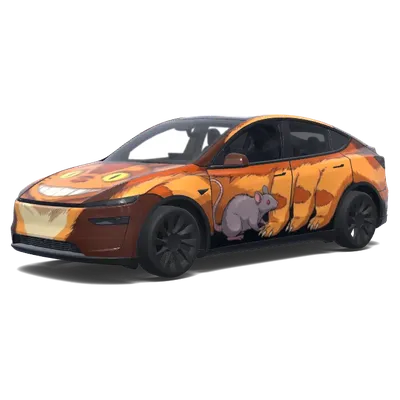
Oranger Catbus mit Maus
Model Y (2025+) Premium↓ 0
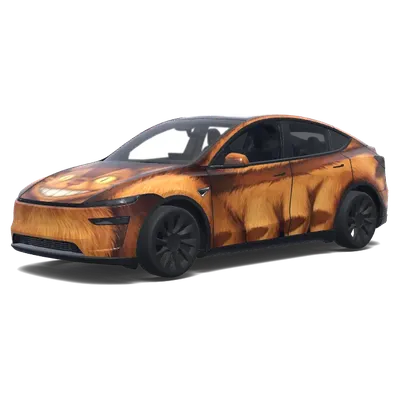
Grinsende orangefarbene Katze-Bus
Model Y (2025+) Premium↓ 0
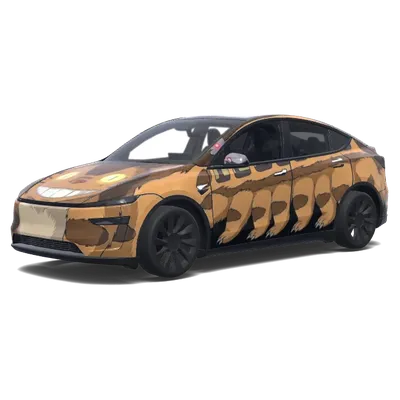
Grinsender Catbus Tesla-Folierung
Model Y (2025+) Premium↓ 0
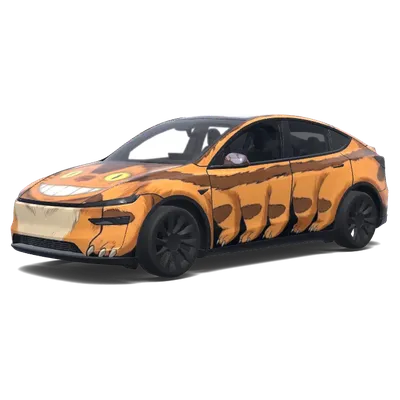
Oranger grinsender Catbus-Folierung
Model Y (2025+) Premium↓ 0
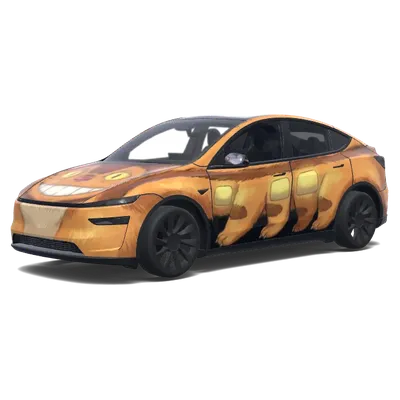
Grinsender Katerbus-Tesla-Folierung
Model Y (2025+) Premium↓ 0
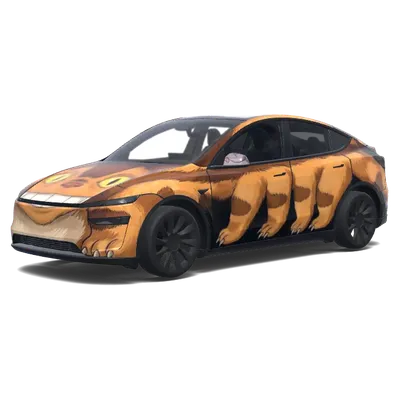
Grinsender Catbus-SUV
Model Y (2025+) Premium↓ 0
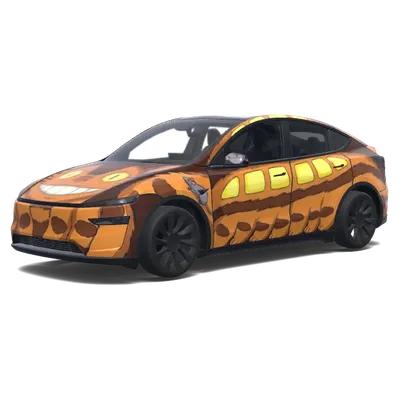
Totoro Tesla Folierung
Model Y (2025+) Premium↓ 0
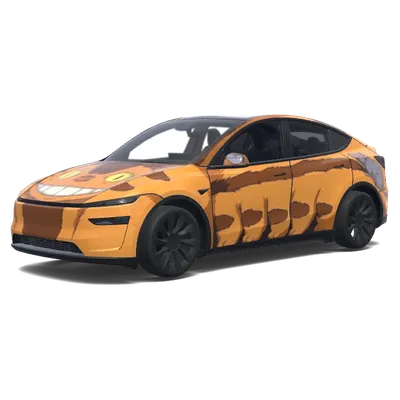
Grinsende orange Katerbus-Folierung
Model Y (2025+) Premium↓ 0
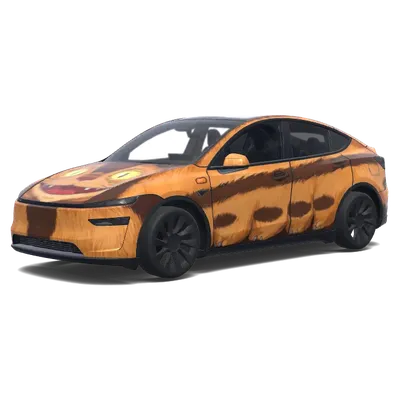
Tiger-Katbus-Folierung
Model Y (2025+) Premium↓ 0
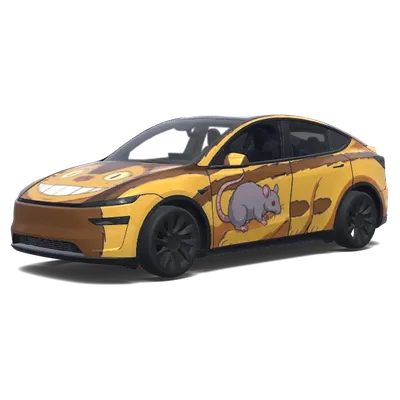
Maus-Design mit Katerbus
Model Y (2025+) Premium↓ 0
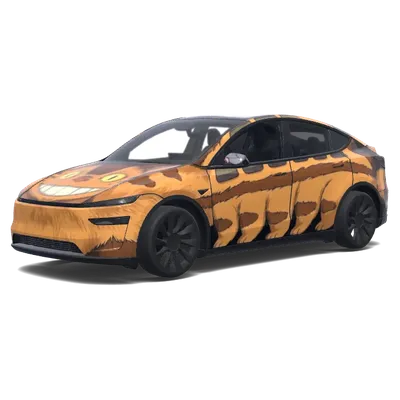
Grinsender Tiger-Katzenbus
Model Y (2025+) Premium↓ 0
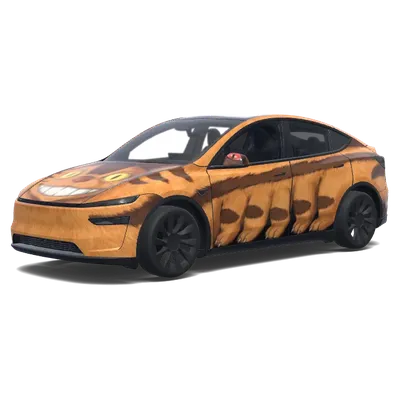
Grinsende-Katze-Auto-Folierung
Model Y (2025+) Premium↓ 0
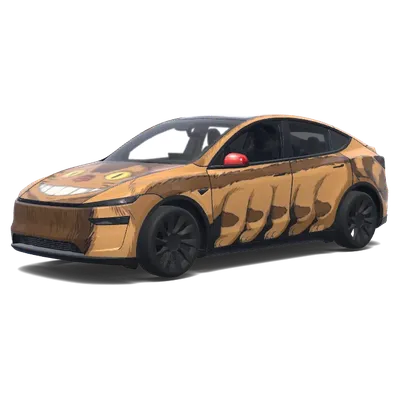
Catbus aus Totoro
Model Y (2025+) Premium↓ 0
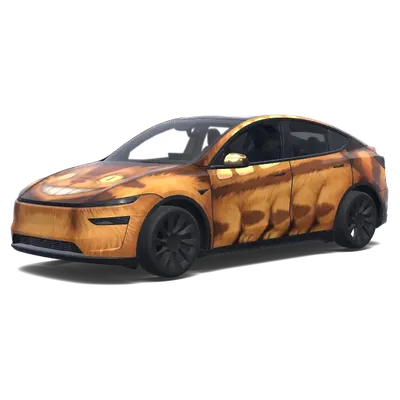
Catbus aus Totoro
Model Y (2025+) Premium↓ 0
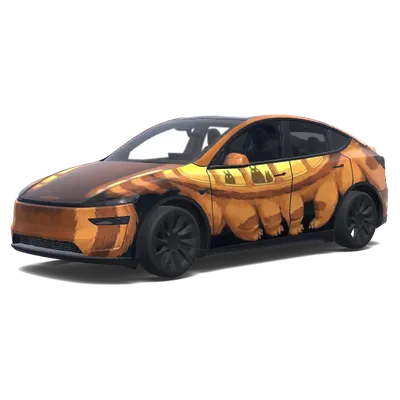
Tesla-Folierung „Orangefarbene Katze Bus
Model Y (2025+) Premium↓ 0
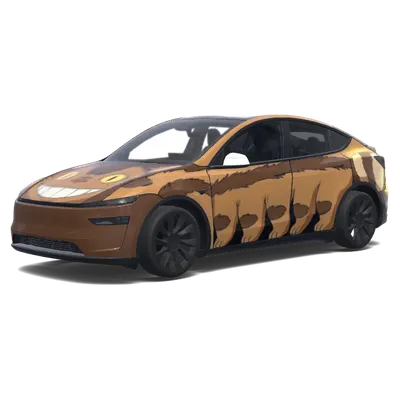
Lächelnde Katze Bus Tesla Folierung
Model Y (2025+) Premium↓ 0
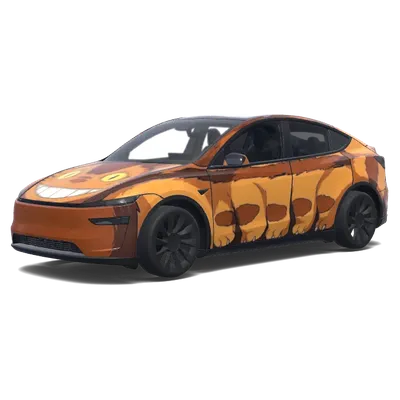
Lächelnde-Katze-Bus-Tesla-Folierung
Model Y (2025+) Premium↓ 0
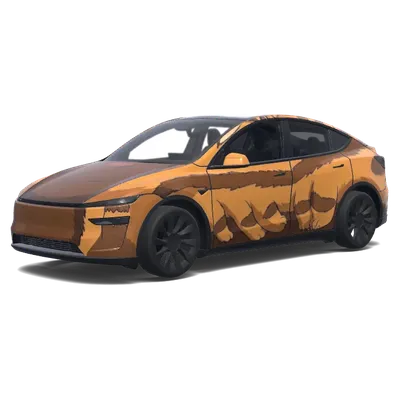
Catbus Front (Cat face as the front. Girl in the windshield)
Model Y (2025+) Premium↓ 0
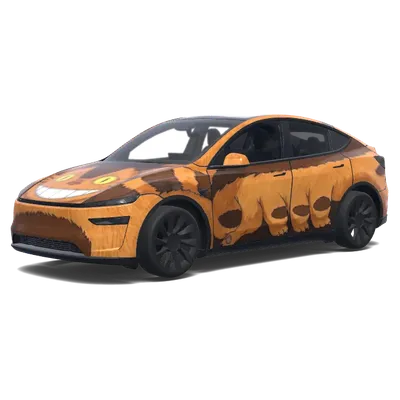
Catbus Front (Cat face as the front. Girl in the windshield)
Model Y (2025+) Premium↓ 0
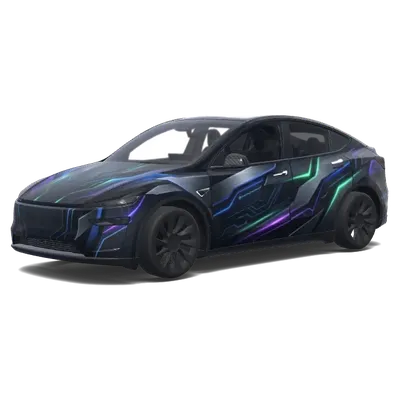
Stylische Tesla Design (Fais-moi une Tesla plus stylé que qui existe pas.)
Model Y (2025+) Premium↓ 0
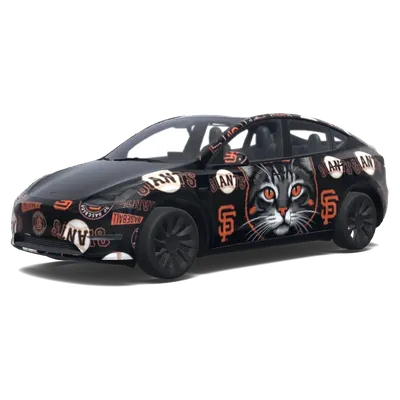
SF Giants Katzenmotiv
Model Y (2020–2024)↓ 0
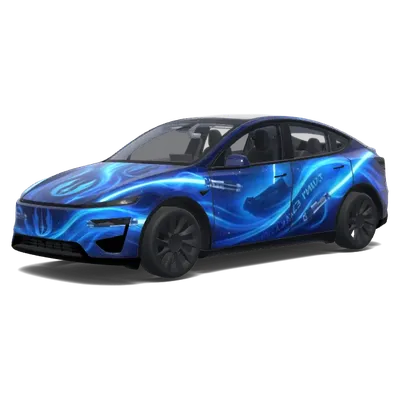
Jedi Anpassung
Model Y (2025+) Performance↓ 0
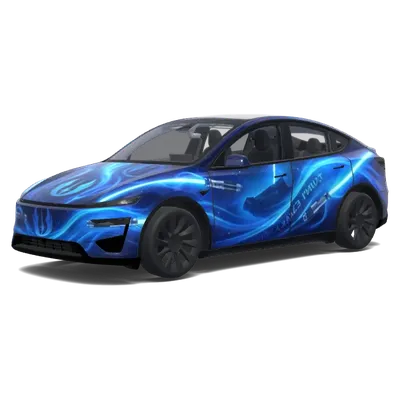
Elektrischblaue Welle
Model Y (2025+) Performance↓ 0
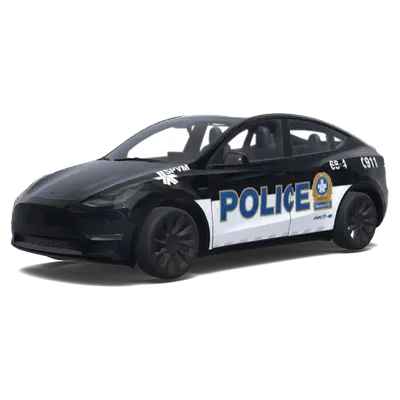
Schwarz-Weiß-Polizeistreife
Model Y (2020–2024)↓ 0
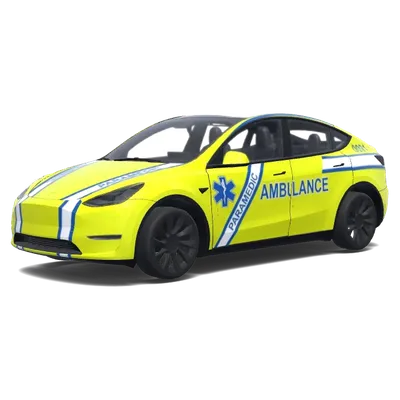
Elektro-EMS-Folierung
Model Y (2020–2024)↓ 0
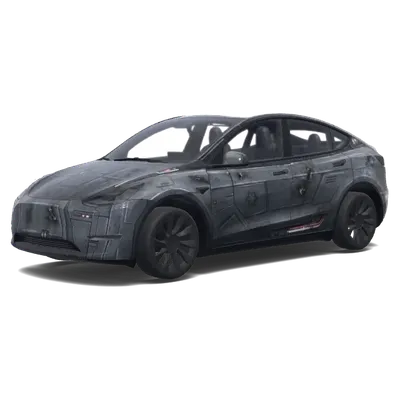
Imperialer Sternzerstörer (make my car look like a imperial starship.)
Model Y (2020–2024)↓ 0
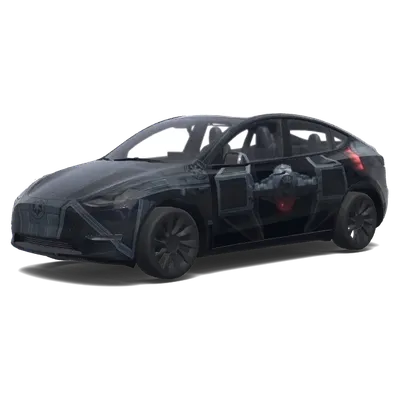
Darth Vaders Interceptor
Model Y (2020–2024)↓ 0
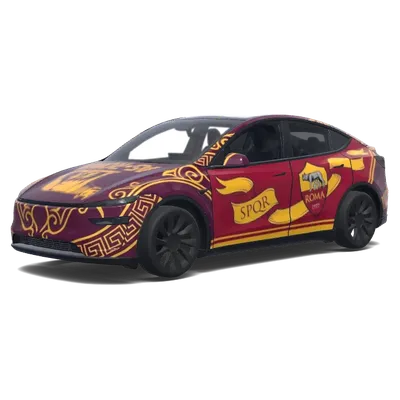
AS Rom (as roma.)
Model Y (2025+) Premium↓ 0
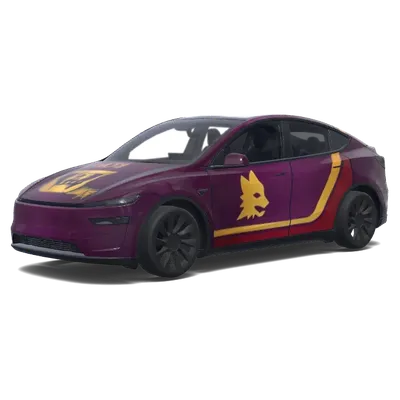
AS Rom Logo Farben (as roma logo e colori.)
Model Y (2025+) Premium↓ 0
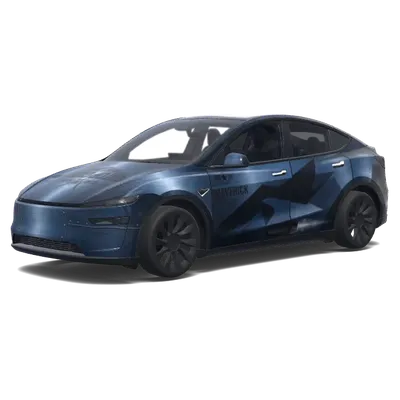
Maverick Blau Camouflage
Model Y (2025+) Premium↓ 0
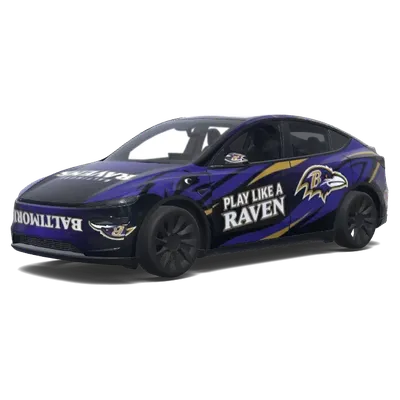
Baltimore Ravens (Baltimore Ravens.)
Model Y (2025+) Premium↓ 0
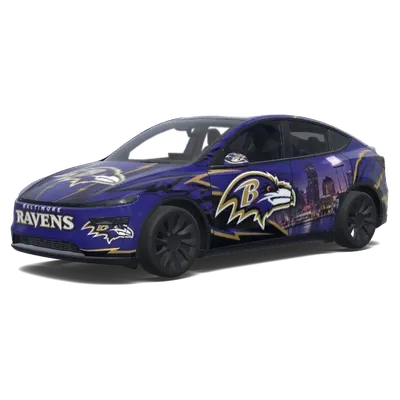
Baltimore Ravens (Baltimore Ravens.)
Model Y (2025+) Premium↓ 0
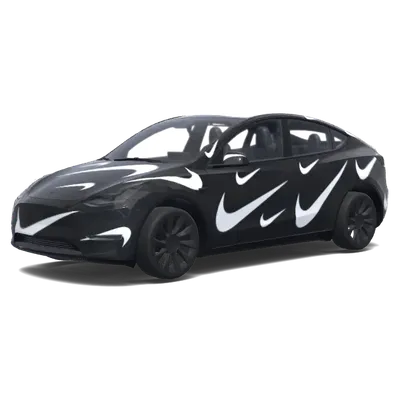
Matt Schwarz Nike
Model Y (2020–2024)↓ 0
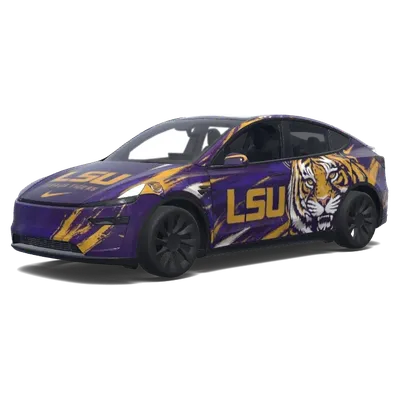
LSU Tigerfuror
Model Y (2025+) Premium↓ 0
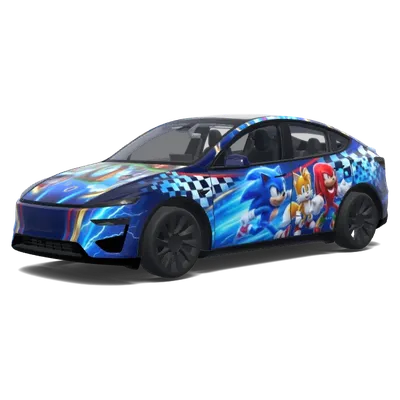
Epischer Sonic (Epic Sonic the Hedgehog.)
Model Y (2025+) Performance↓ 0
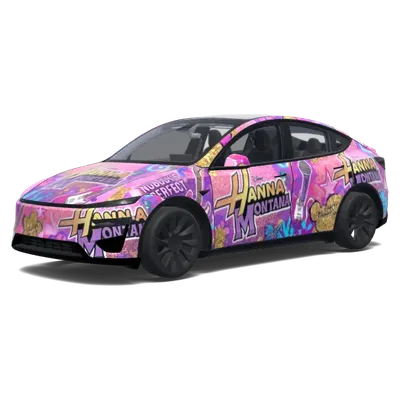
Hannah Montana (hanna montanna.)
Model Y (2025+) Performance↓ 0
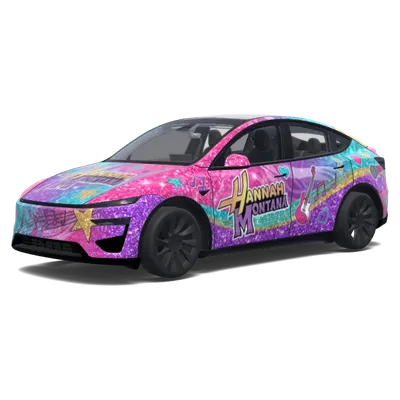
Hannah Montana (hanna montanna.)
Model Y (2025+) Performance↓ 0
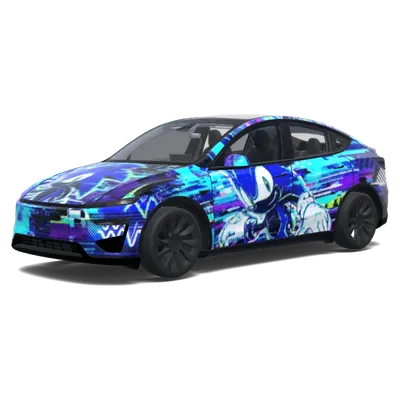
Glitch Sonic (glitch sonic.)
Model Y (2025+) Performance↓ 0
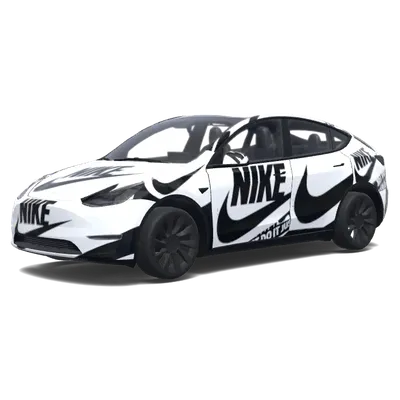
Nike Branding (Make it Nike branded,. Colors: black, white.)
Model Y (2020–2024)↓ 0
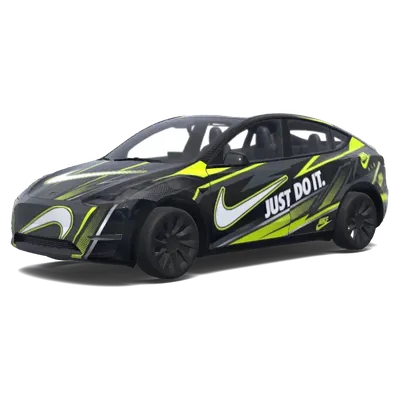
Nike Branding (Make it Nike branded.)
Model Y (2020–2024)↓ 0
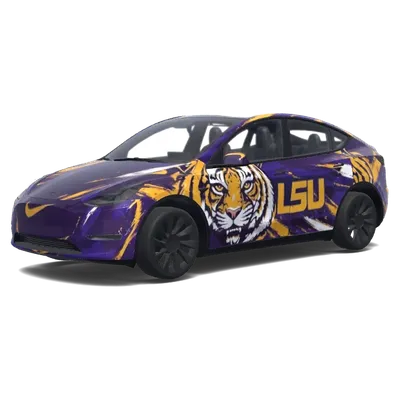
Panels füllen (Fill in all panels)
Model Y (2020–2024)↓ 0
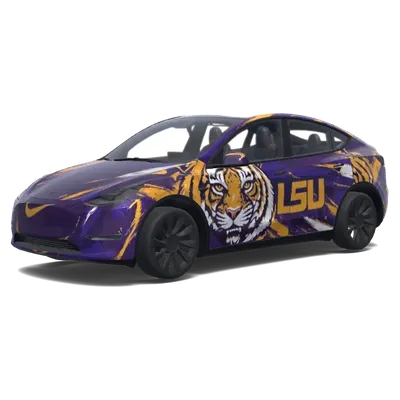
Panels füllen (Fill in all panels)
Model Y (2020–2024)↓ 0
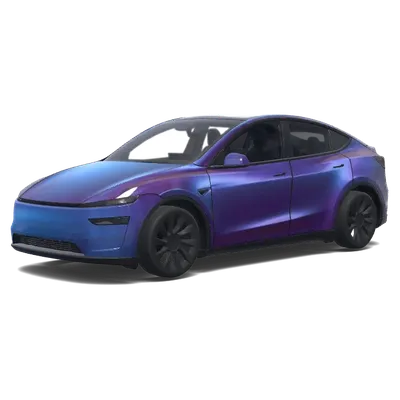
Dämmerungs-Chrom
Model Y (2025+) Premium↓ 0
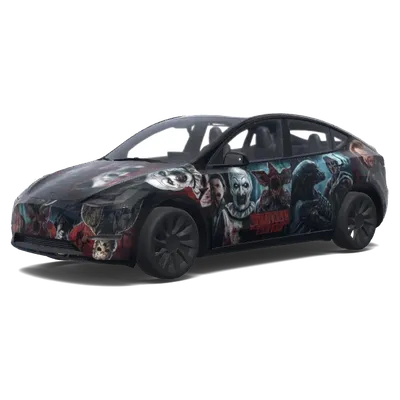
Horror Themen Collage
Model Y (2020–2024)↓ 0
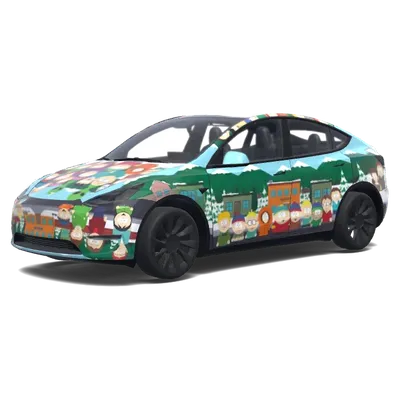
South Park Hood Design
Model Y (2020–2024)↓ 0
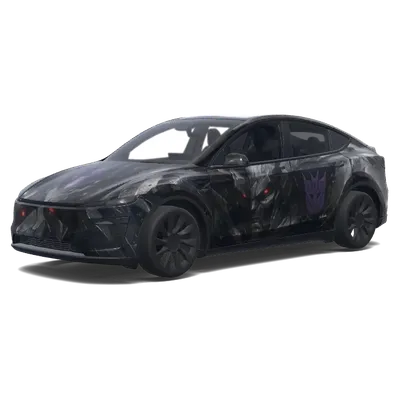
Dunkler Ritter Transformer
Model Y (2025+) Premium↓ 1
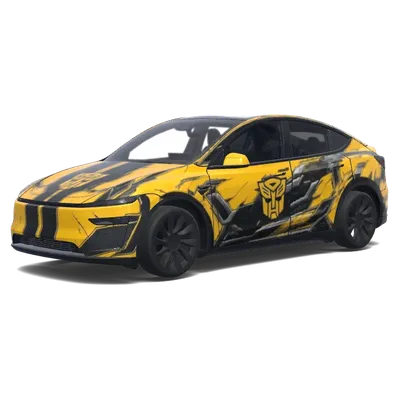
Bumblebee Cybertruck-Folierung
Model Y (2025+) Premium↓ 0
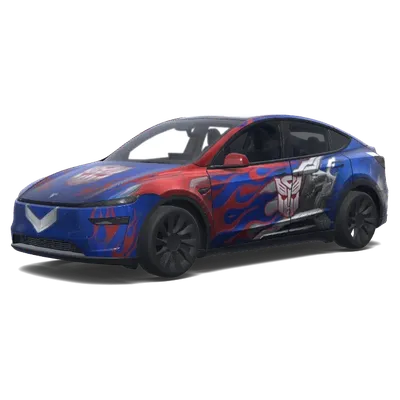
Transformers Flammen-Folierung
Model Y (2025+) Premium↓ 0
Welche Vorlage passt zu meinem Auto?
- Prüfe deine Front- und Heckleuchten, um das Modell zu identifizieren.
- Das Model Y (2025+, Juniper) verfügt über eine durchgehende Lichtleiste an Front und Heck.
- Wenn du ein Performance-Modell von 2025+ besitzt, achte auf die unterschiedlichen Stoßfänger.
- Wähle für Standard oder Premium (2025+) die Vorlage, die zu deinen spezifischen Ausstattungsmerkmalen passt.
FAQ
Welche Model Y Vorlage sollte ich herunterladen?+
Lade die Vorlage herunter, die zum Baujahr und zur Ausstattung deines Autos passt. Nutze 'Model Y (2020–2024)' für ältere Modelle. Für Modelle ab 2025+ prüfe auf die durchgehende Lichtleiste, um das Juniper-Modell zu bestätigen, und wähle dann Standard, Premium oder Performance basierend auf deiner spezifischen Ausstattung und Stoßfängerform.
Warum lädt meine Wrap-Datei nicht im Paint Shop?+
Stelle sicher, dass die Datei ein echtes PNG unter 1 MB mit Abmessungen zwischen 512x512 und 1024x1024 Pixel ist. Der Dateiname darf nur Buchstaben, Zahlen, Unterstriche oder Bindestriche enthalten und maximal 30 Zeichen lang sein. Bestätige außerdem, dass dein USB-Stick als exFAT oder FAT32 formatiert ist.
Wie viele Wraps kann ich von einem USB-Stick laden?+
Du kannst bis zu 10 Wrap-Designs von einem USB-Stick in die Paint Shop App laden. Lege die PNG-Dateien vor dem Einstecken in einen Ordner namens Wraps im Hauptverzeichnis des Laufwerks.