Kostenlose Model Y Wraps für Tesla Paint Shop
Entdecke kostenlose PNG-Wrap-Designs für den Tesla Model Y. Lade Dateien herunter, die mit der Paint Shop Funktion für alle Model Y Vorlagen kompatibel sind, einschließlich des Juniper-Updates (2025+).
So installierst du Wraps auf Model Y →Alle Model Y Wraps · 5,907
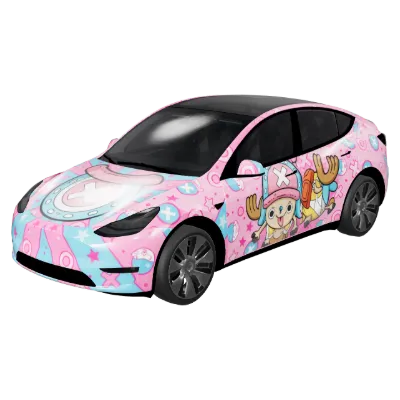
Chopper One Piece (Chopper - One Piece)
Model Y (2020–2024)↓ 16
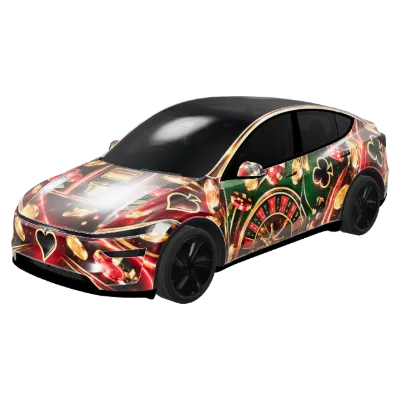
Casino
Model Y (2025+) Premium↓ 6
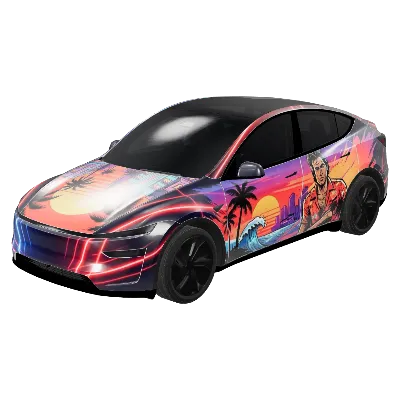
Miami Vice GTA
Model Y (2025+)↓ 50
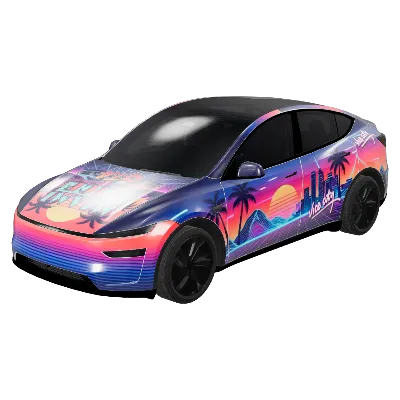
Miami Vice GTA
Model Y (2025+)↓ 16
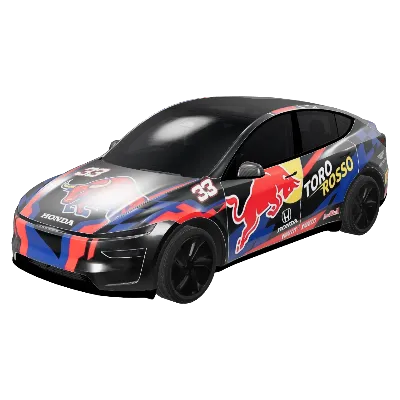
F1 Racing Bulls (F1 racing bulls livery.)
Model Y (2025+)↓ 76
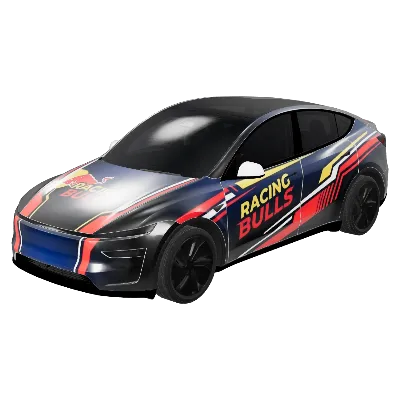
Racing Bulls (racing bulls livery.)
Model Y (2025+)↓ 5
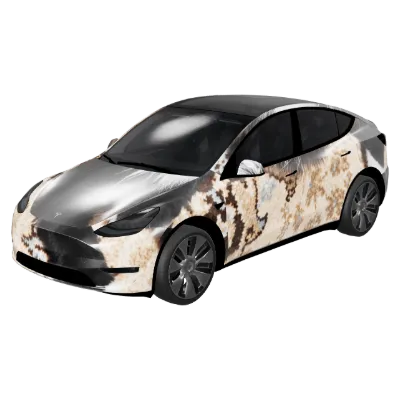
Rambo
Model Y (2020–2024)↓ 6
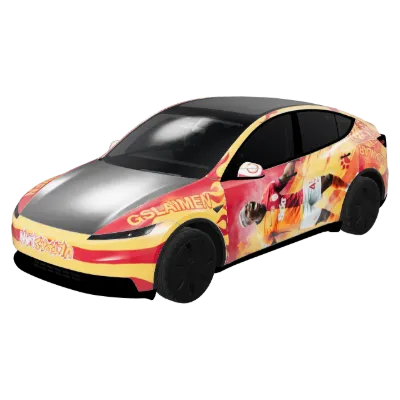
Galatasaray
Model Y (2025+) Standard↓ 9
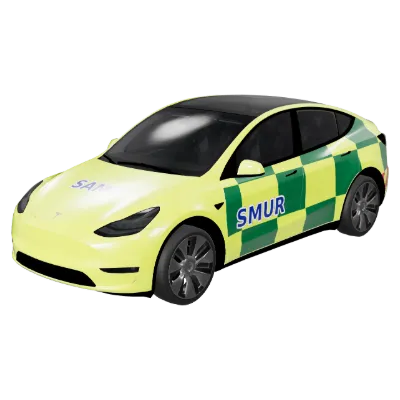
SAMU_SMUR
Model Y (2020–2024)↓ 7
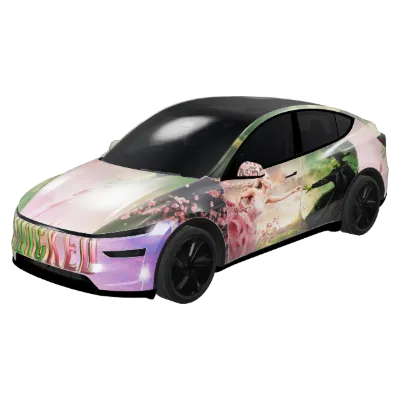
Wicked
Model Y (2025+) Premium↓ 8
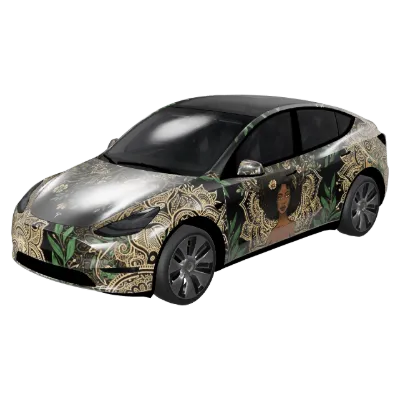
Mehndi Boho
Model Y (2020–2024)↓ 5
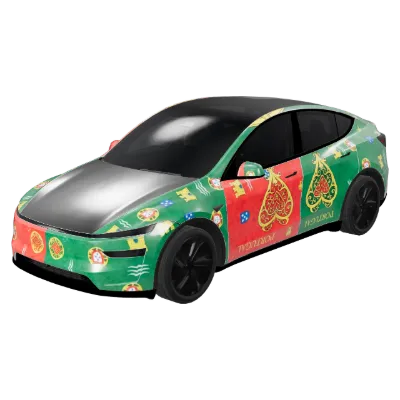
Portugal Coração de Viana (Portugal coraçao de viana)
Model Y (2025+) Premium↓ 5
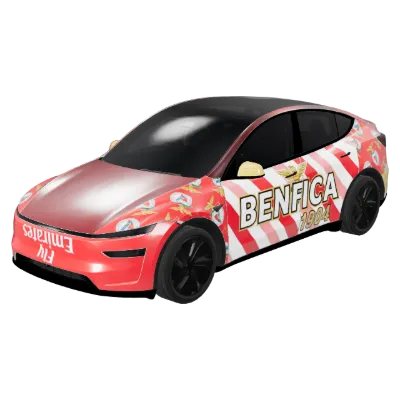
Benfica Originals
Model Y (2025+) Premium↓ 8
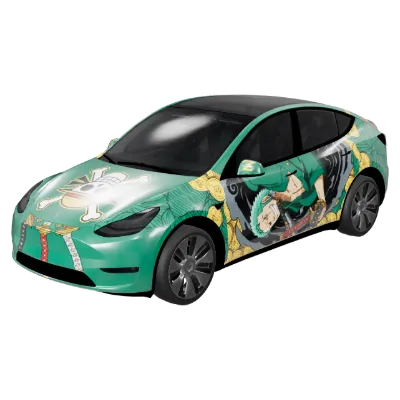
Zorro
Model Y (2020–2024)↓ 6
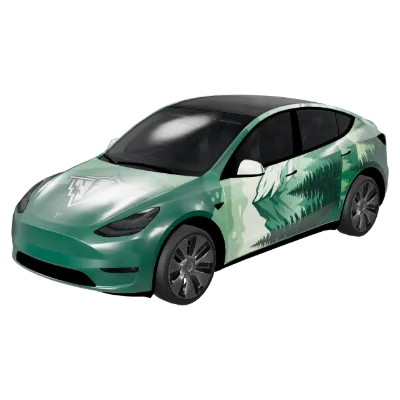
Grüne Berge (Green mountains)
Model Y (2020–2024)↓ 8
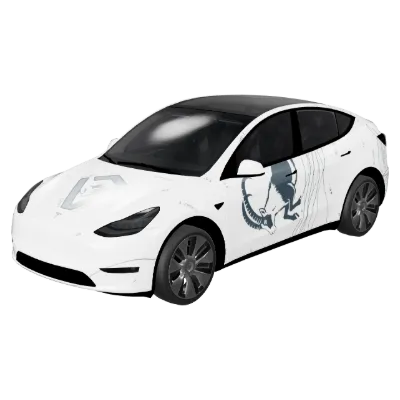
Schweizer Alpen Leben (Swiss alps life)
Model Y (2020–2024)↓ 6
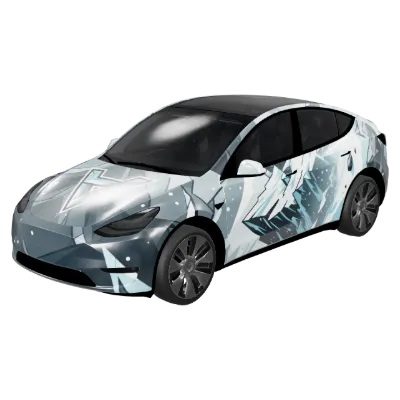
Alpen Leben Dunkel (Alpine life dark)
Model Y (2020–2024)↓ 8
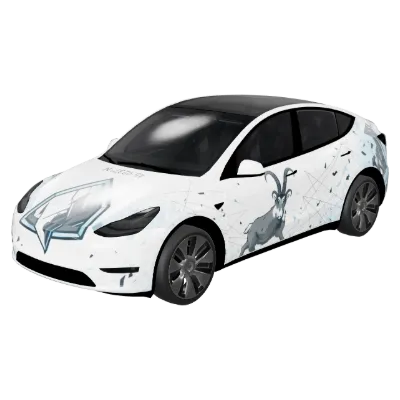
Alpen Leben (Alpine life)
Model Y (2020–2024)↓ 6
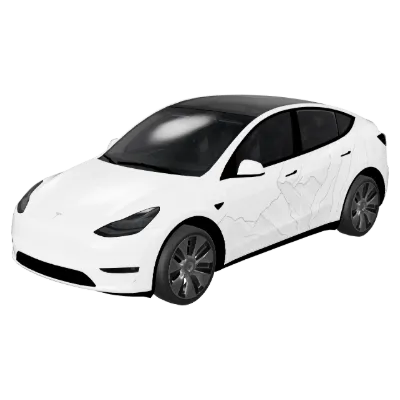
Einfache Bergkonturen (Contour simple mountains)
Model Y (2020–2024)↓ 5
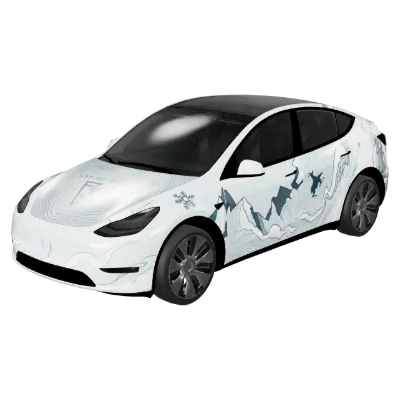
Alpengipfel (Alpine Peaks)
Model Y (2020–2024)↓ 6
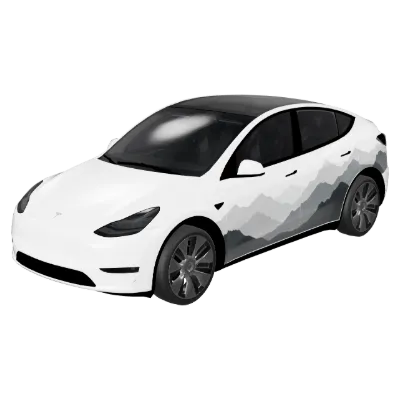
Alpen Leben (Alpine life)
Model Y (2020–2024)↓ 11
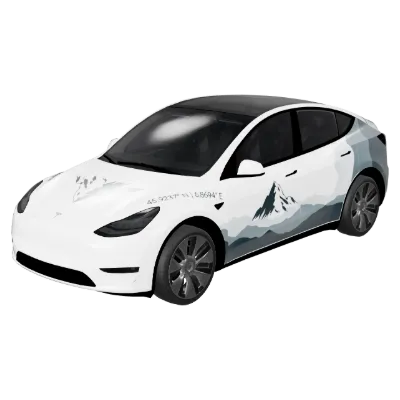
Berg Zentrum (Mountain hub)
Model Y (2020–2024)↓ 9
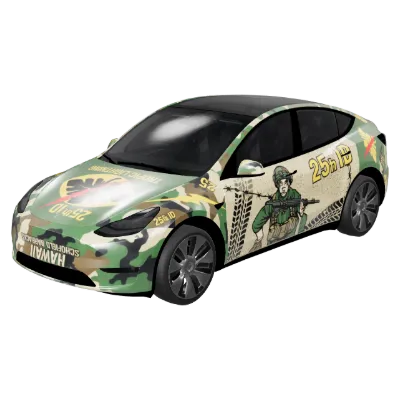
25. ID (25th ID)
Model Y (2020–2024)↓ 7
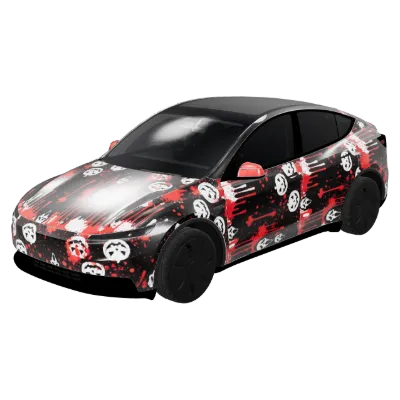
Scream Halloween
Model Y (2025+) Standard↓ 8
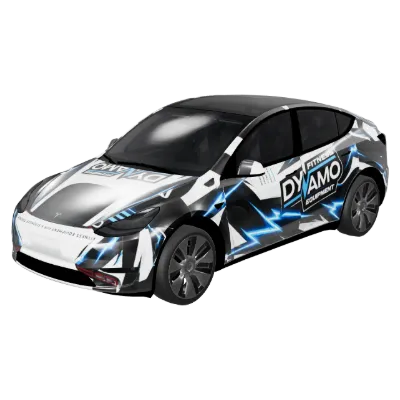
Dynamo (dynamo)
Model Y (2020–2024)↓ 6
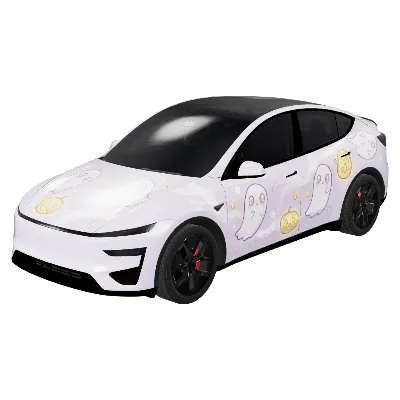
Kiwaieeee - Model Y Juniper Performance
Model Y (2025+) Performance↓ 1
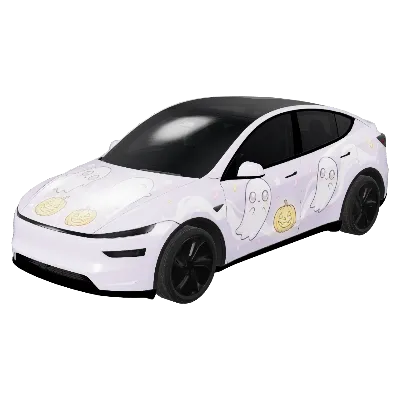
Kiwaieeee - Model Y Juniper Premium
Model Y (2025+) Premium↓ 1
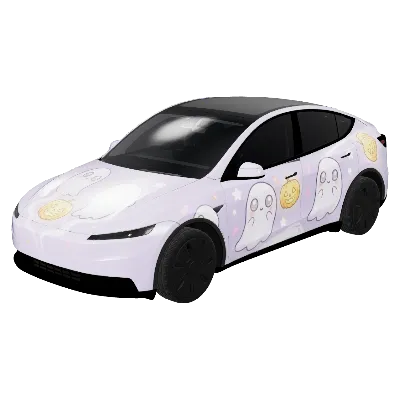
Kiwaieeee - Model Y Juniper Standard AWD
Model Y (2025+) Standard↓ 1
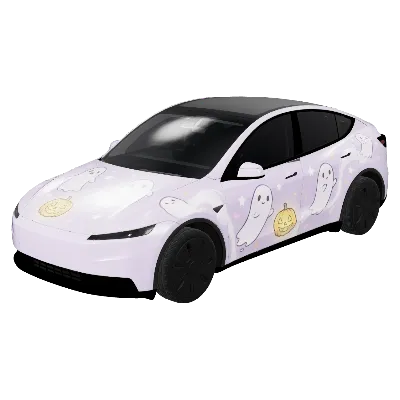
Kiwaieeee - Model Y Juniper Basis (Kiwaieeee - Model Y Juniper Base)
Model Y (2025+) Standard↓ 2
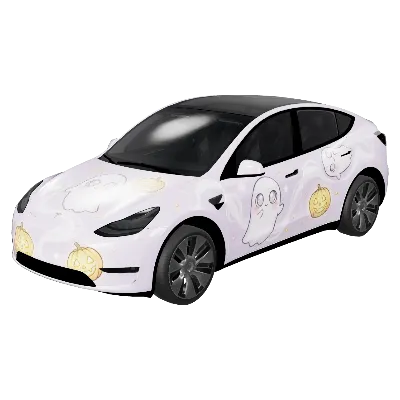
Kiwaieeee - Model Y Vor 2025 (Original) (Kiwaieeee - Model Y Pre-2025 (Original))
Model Y (2020–2024)↓ 0
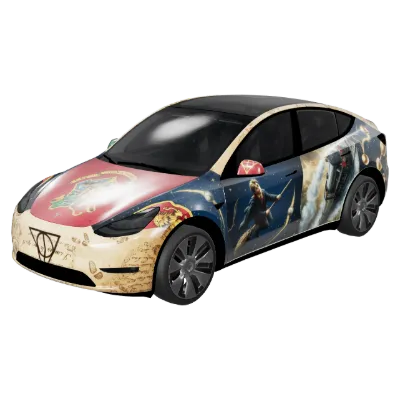
HP (Hp)
Model Y (2020–2024)↓ 7
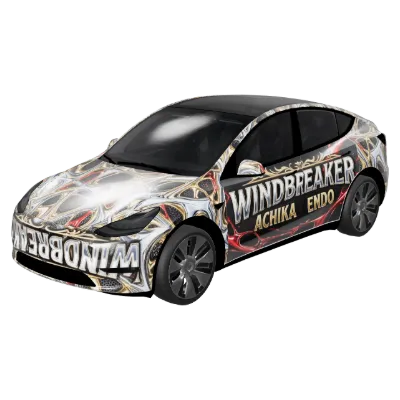
Animation
Model Y (2020–2024)↓ 5
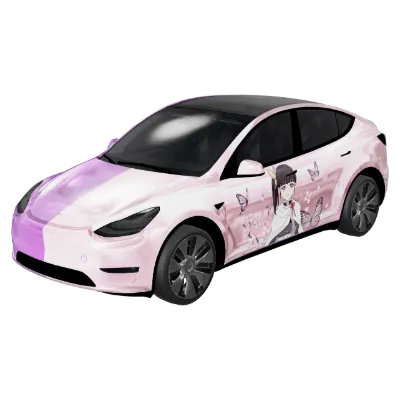
Demon Slayer
Model Y (2020–2024)↓ 13
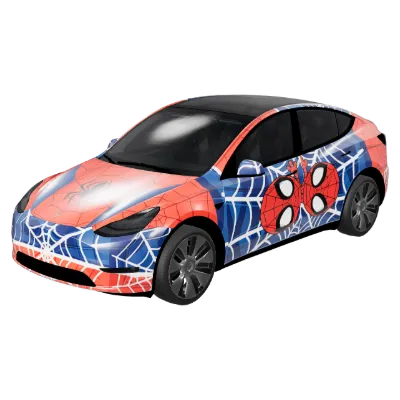
Spider-Man (Spidey)
Model Y (2020–2024)↓ 15
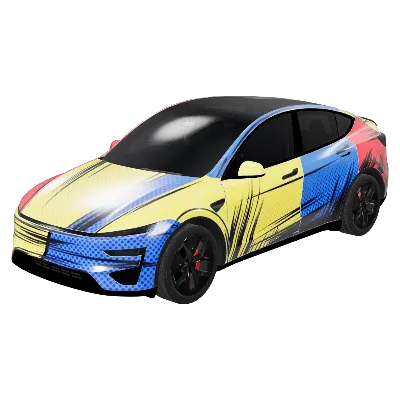
Cel-Shaded Comic Model Y Juniper Performance (Cel-Shaded Comic - Model Y Juniper Performance)
Model Y (2025+) Performance↓ 4
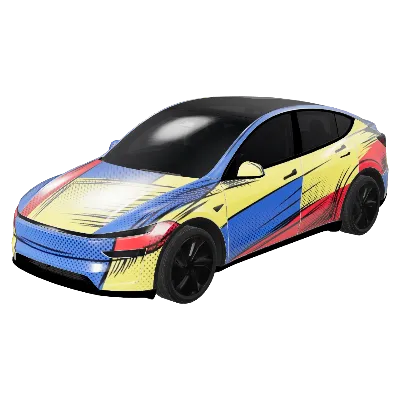
Cel-Shaded Comic Model Y Juniper Premium (Cel-Shaded Comic - Model Y Juniper Premium)
Model Y (2025+) Premium↓ 2
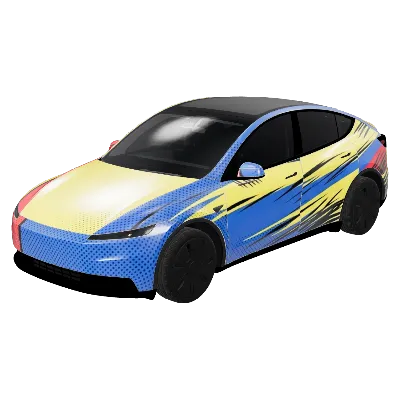
Cel-Shaded Comic Model Y Juniper Standard AWD (Cel-Shaded Comic - Model Y Juniper Standard AWD)
Model Y (2025+) Standard↓ 1
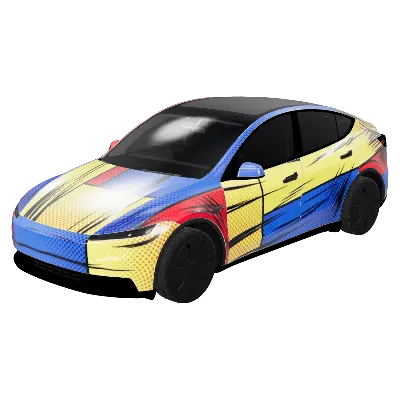
Cel-Shaded Comic - Model Y Juniper Basis (Cel-Shaded Comic - Model Y Juniper Base)
Model Y (2025+) Standard↓ 0
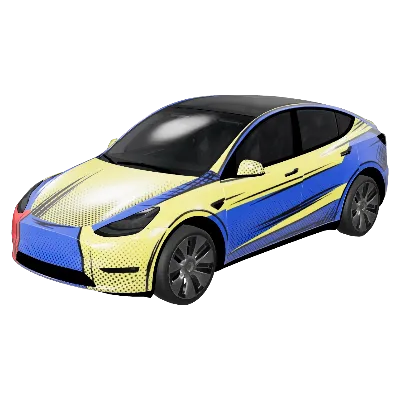
Cel-Shaded Comic - Model Y Vor 2025 (Original) (Cel-Shaded Comic - Model Y Pre-2025 (Original))
Model Y (2020–2024)↓ 2
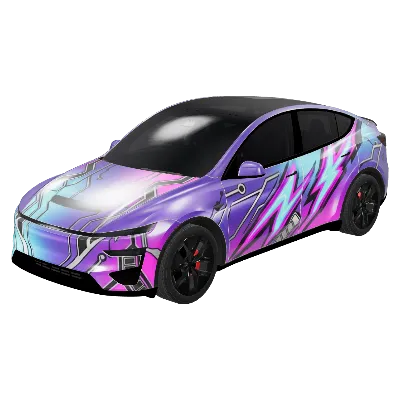
Itasha Neo-Tokyo Racing - Model Y Juniper Performance
Model Y (2025+) Performance↓ 4
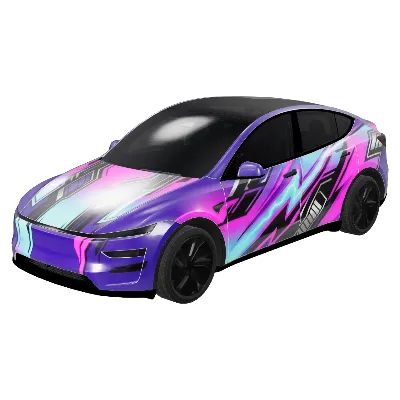
Itasha Neo-Tokyo Racing - Model Y Juniper Premium (Itasha neo-Tokyo racing - Model Y Juniper Premium)
Model Y (2025+) Premium↓ 3
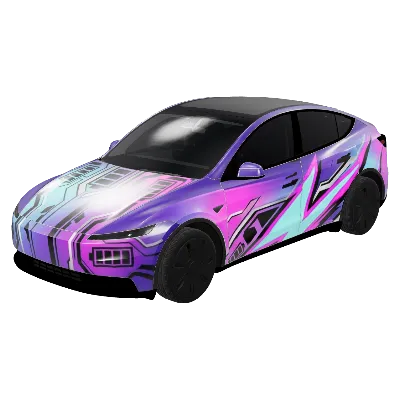
Itasha Neo-Tokyo Racing - Model Y Juniper Standard AWD
Model Y (2025+) Standard↓ 4
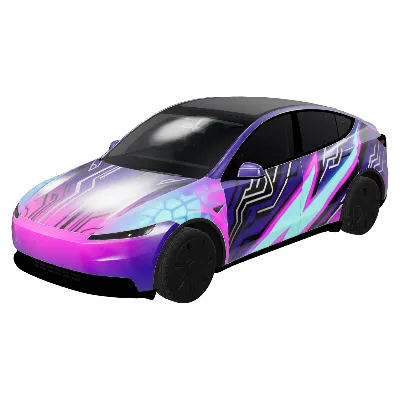
Itasha Neo-Tokyo Racing (Itasha neo-Tokyo racing - Model Y Juniper Base)
Model Y (2025+) Standard↓ 3
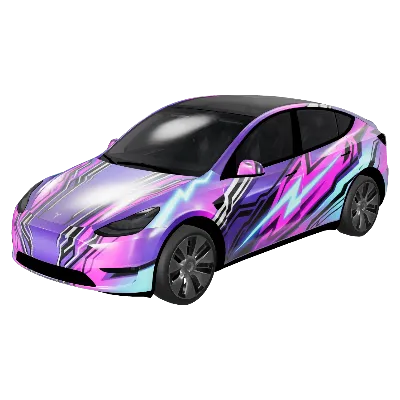
Itasha Neo-Tokyo Racing
Model Y (2020–2024)↓ 3
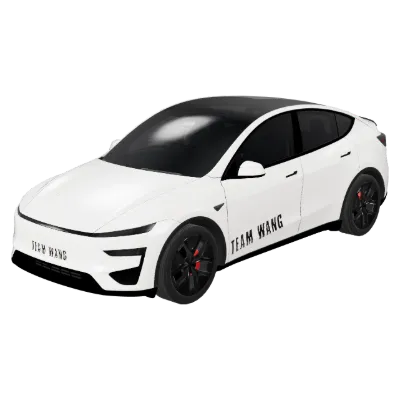
Team Wang Weiß (TeamWang White)
Model Y (2025+) Performance↓ 3
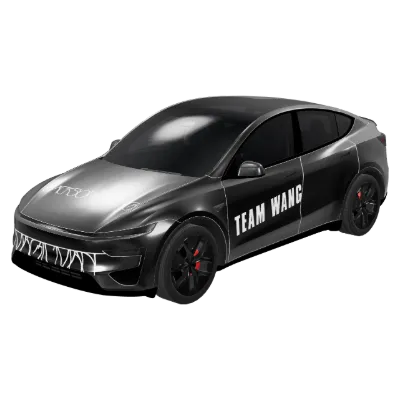
Team Wang MagicMan
Model Y (2025+) Performance↓ 5
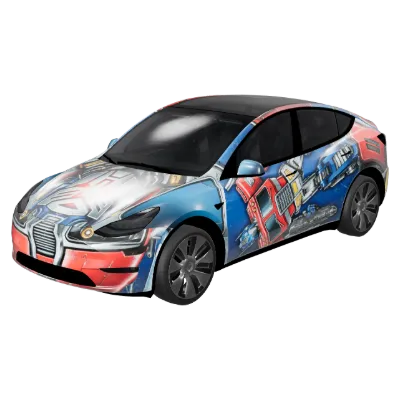
Optimus Prime
Model Y (2020–2024)↓ 9
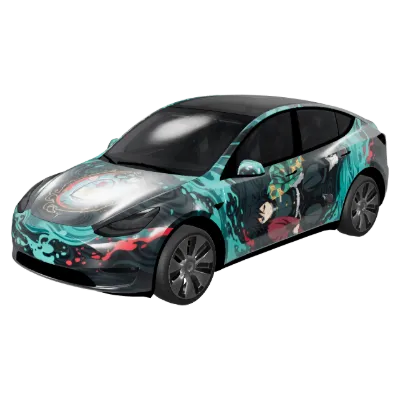
Haaland und Giyu (haaland and giyu)
Model Y (2020–2024)↓ 5
Welche Vorlage passt zu meinem Auto?
- Prüfe deine Front- und Heckleuchten, um das Modell zu identifizieren.
- Das Model Y (2025+, Juniper) verfügt über eine durchgehende Lichtleiste an Front und Heck.
- Wenn du ein Performance-Modell von 2025+ besitzt, achte auf die unterschiedlichen Stoßfänger.
- Wähle für Standard oder Premium (2025+) die Vorlage, die zu deinen spezifischen Ausstattungsmerkmalen passt.
FAQ
Welche Model Y Vorlage sollte ich herunterladen?+
Lade die Vorlage herunter, die zum Baujahr und zur Ausstattung deines Autos passt. Nutze 'Model Y (2020–2024)' für ältere Modelle. Für Modelle ab 2025+ prüfe auf die durchgehende Lichtleiste, um das Juniper-Modell zu bestätigen, und wähle dann Standard, Premium oder Performance basierend auf deiner spezifischen Ausstattung und Stoßfängerform.
Warum lädt meine Wrap-Datei nicht im Paint Shop?+
Stelle sicher, dass die Datei ein echtes PNG unter 1 MB mit Abmessungen zwischen 512x512 und 1024x1024 Pixel ist. Der Dateiname darf nur Buchstaben, Zahlen, Unterstriche oder Bindestriche enthalten und maximal 30 Zeichen lang sein. Bestätige außerdem, dass dein USB-Stick als exFAT oder FAT32 formatiert ist.
Wie viele Wraps kann ich von einem USB-Stick laden?+
Du kannst bis zu 10 Wrap-Designs von einem USB-Stick in die Paint Shop App laden. Lege die PNG-Dateien vor dem Einstecken in einen Ordner namens Wraps im Hauptverzeichnis des Laufwerks.