Kostenlose Model Y Wraps für Tesla Paint Shop
Entdecke kostenlose PNG-Wrap-Designs für den Tesla Model Y. Lade Dateien herunter, die mit der Paint Shop Funktion für alle Model Y Vorlagen kompatibel sind, einschließlich des Juniper-Updates (2025+).
So installierst du Wraps auf Model Y →Alle Model Y Wraps · 5,571
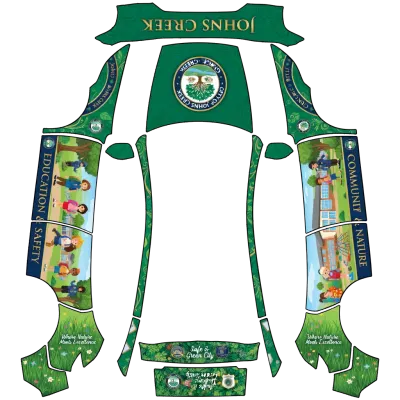
Johns Creek
Model Y (2025+) Premium↓ 2
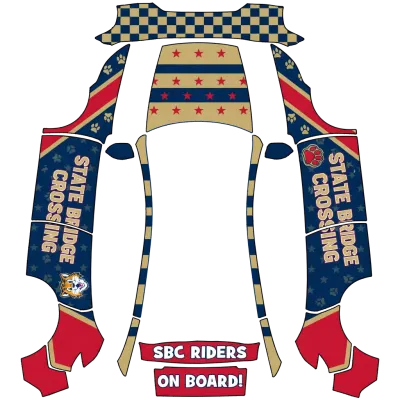
State Bridge Elementary (State Bridge Crossing Elementary School)
Model Y (2025+) Premium↓ 5
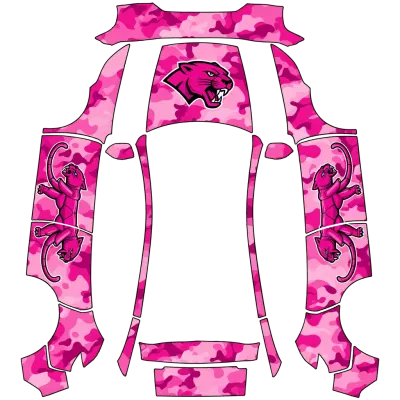
Pink Camo (Pink camo)
Model Y (2025+) Premium↓ 1
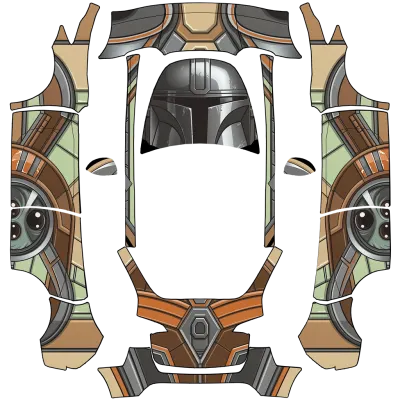
Mandalorian Grogu (mandalorian and grogu)
Model Y (2020–2024)↓ 4
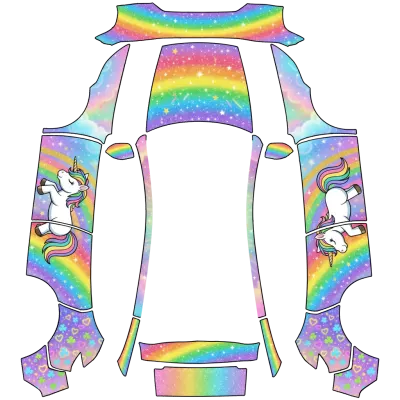
Einhorn (Unicorn)
Model Y (2025+) Premium↓ 8
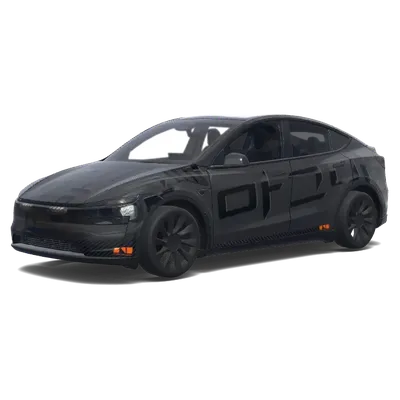
Genesis Magma GT3 (제네시스 마그마 GT3 (GENESIS MAGMA GT3))
Model Y (2025+)↓ 2
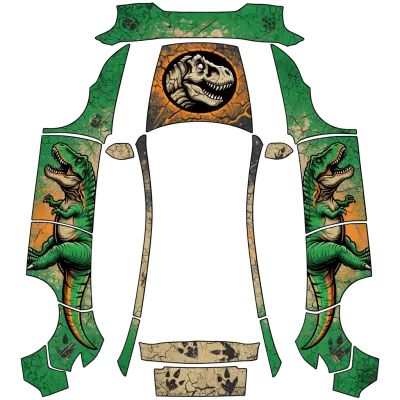
Dinosaurier (Dinosaur)
Model Y (2025+) Premium↓ 9
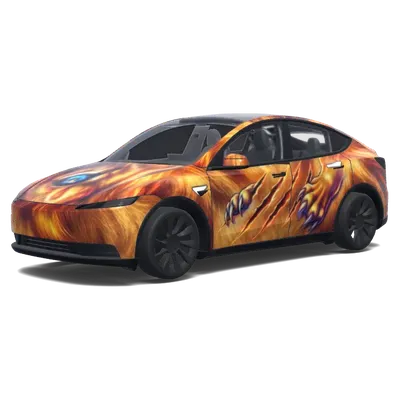
Löwenkopf Frontdesign
Model Y (2025+)↓ 6
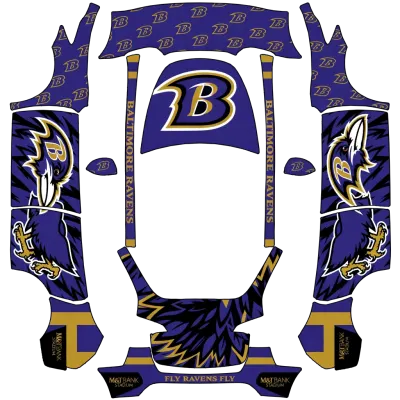
Baltimore
Model Y (2020–2024)↓ 2
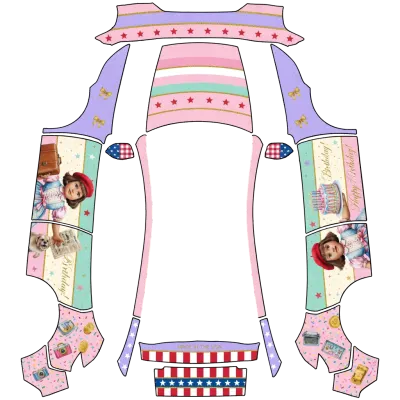
American Girl Geburtstag (American girl doll birthday)
Model Y (2025+) Premium↓ 2
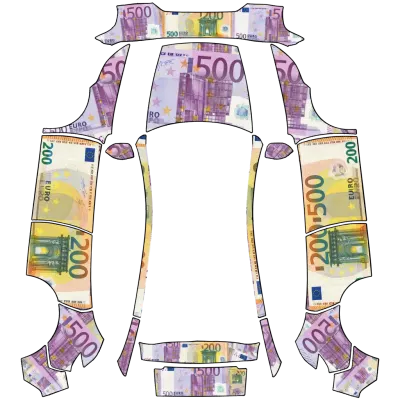
Euro
Model Y (2025+) Premium↓ 2
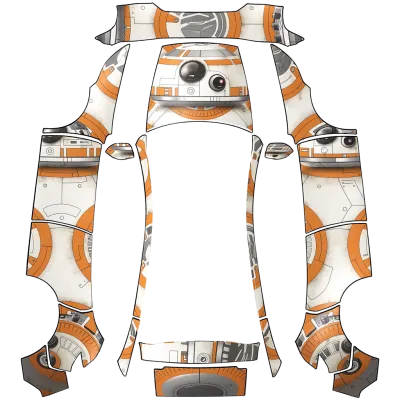
BB-8
Model Y (2025+) Premium↓ 2
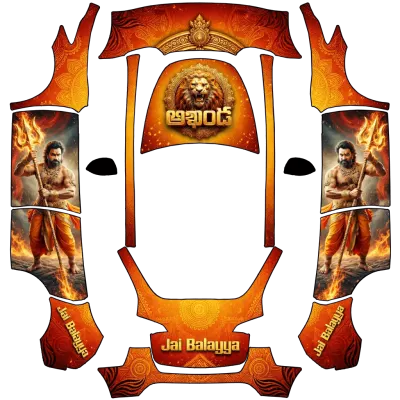
Aj
Model Y (2020–2024)↓ 1
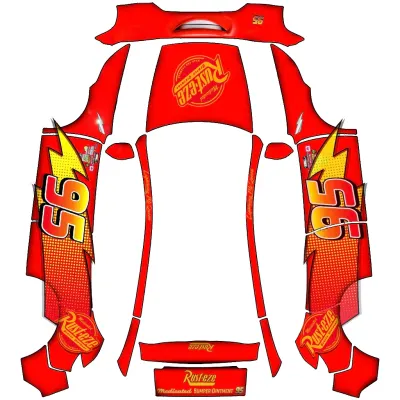
Lightning McQueen
Model Y (2025+) Premium↓ 20
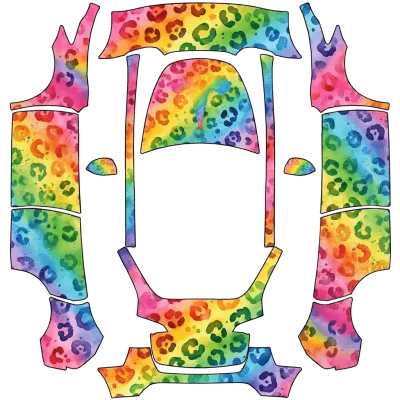
Aquarell Regenbogen Leopard (Watercolor rainbow leopard)
Model Y (2020–2024)↓ 3
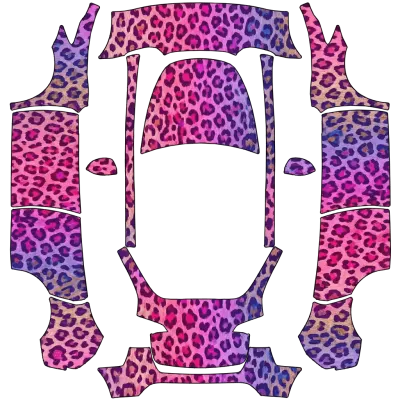
Rosa Lila Gepardenmuster (Pink and purple cheetah print)
Model Y (2020–2024)↓ 3
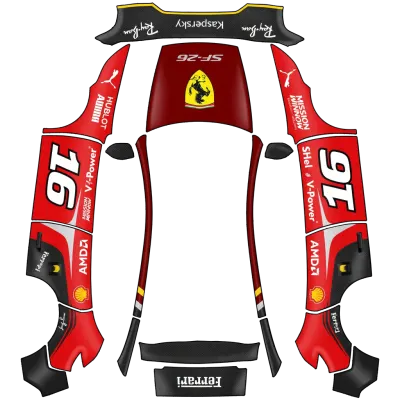
Ferrari
Model Y (2025+) Premium↓ 22
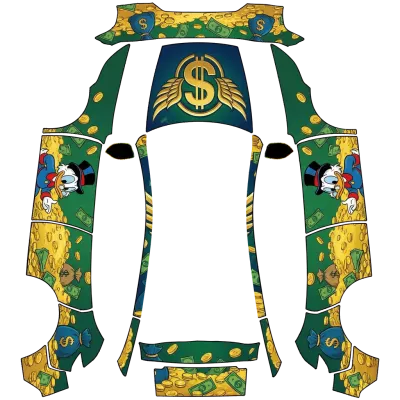
Dagobert Duck
Model Y (2025+) Premium↓ 4
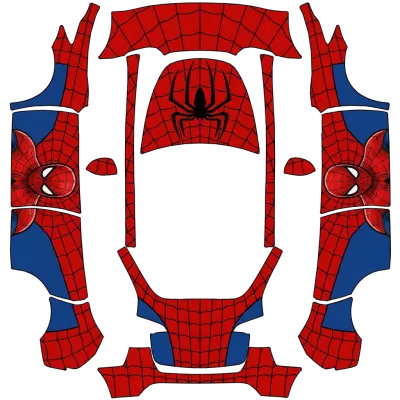
Spider-Man (Spidey)
Model Y (2020–2024)↓ 17
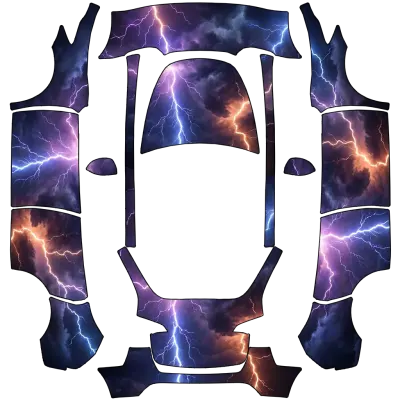
Lila Orange Blau Blitz (Purple and Orange and Blue Lightning)
Model Y (2020–2024)↓ 6
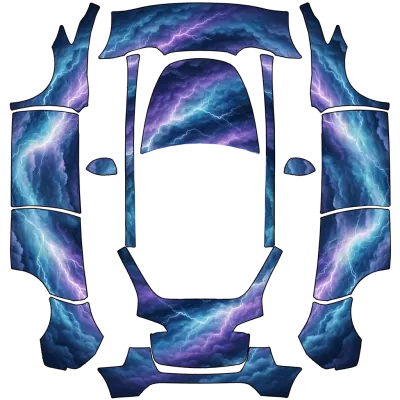
Wolken Blitz (Cloudy Lightning)
Model Y (2020–2024)↓ 7
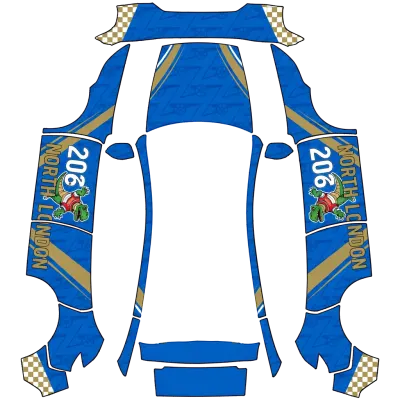
Arsenal FC
Model Y (2025+) Premium↓ 3
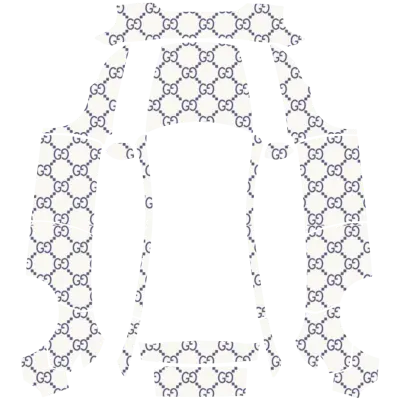
Gucci-w
Model Y (2025+) Premium↓ 3
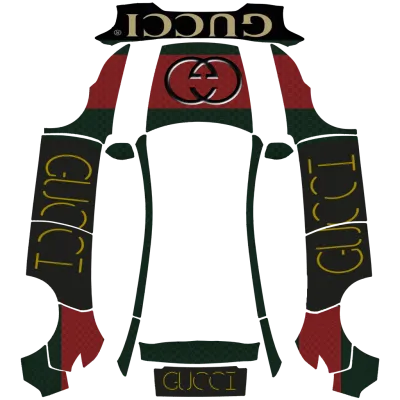
Gucci Mode (Gucci mode)
Model Y (2025+) Premium↓ 5
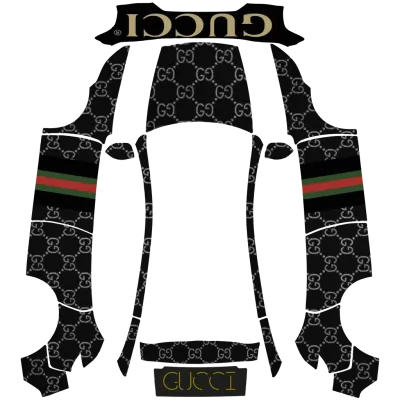
We Gucci (We gucci)
Model Y (2025+) Premium↓ 8
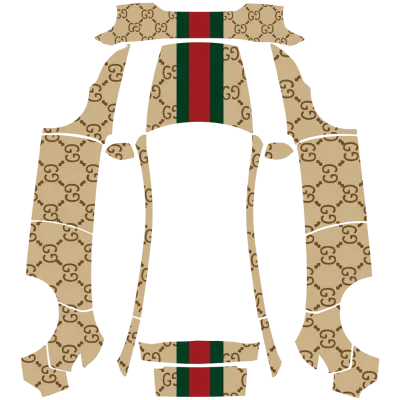
Are You Gucci (Are you gucci)
Model Y (2025+) Premium↓ 16
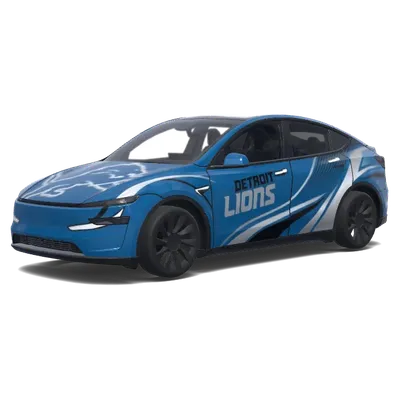
Detroit Lions Modern
Model Y (2025+)↓ 3
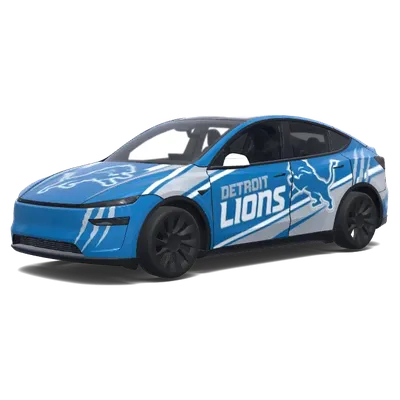
Detroit Lions (Detroit lions.)
Model Y (2025+)↓ 1
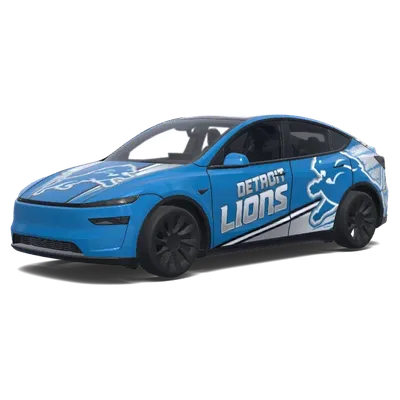
Detroit Lions (Detroit lions.)
Model Y (2025+)↓ 4
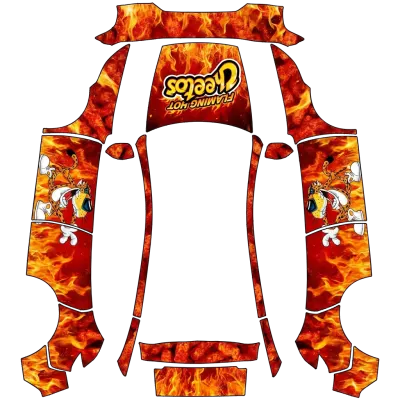
Flaming Hot Cheetos
Model Y (2025+) Premium↓ 12
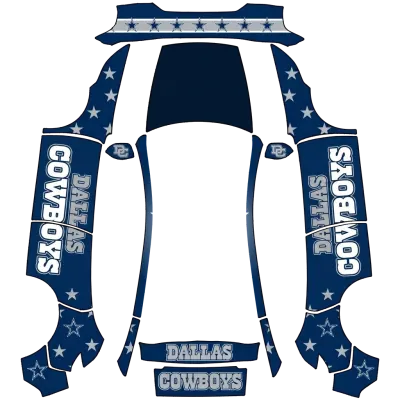
Dallas Cowboys
Model Y (2025+) Premium↓ 3
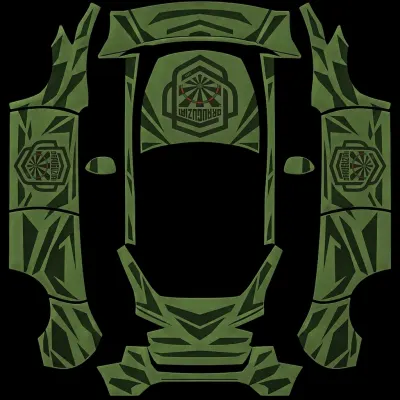
drauguziai_naujas
Model Y (2020–2024)↓ 2
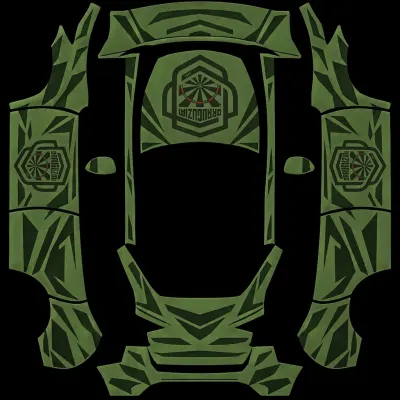
DRAUGUZIAI_new
Model Y (2025+) Standard↓ 3
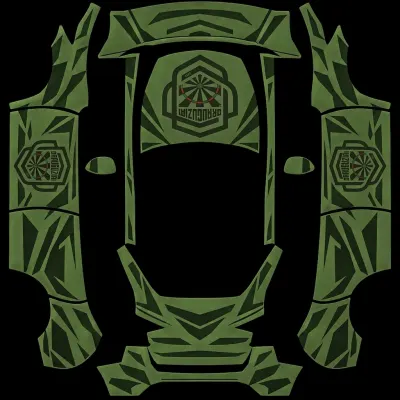
drauguziai
Model Y (2020–2024)↓ 2
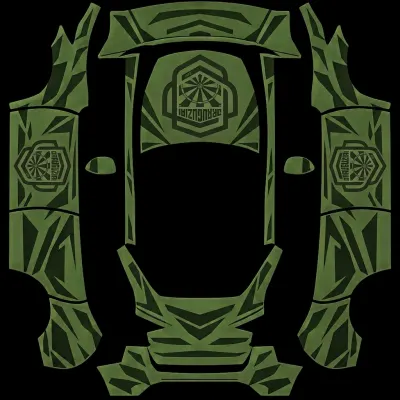
drauguziai
Model Y (2020–2024)↓ 2
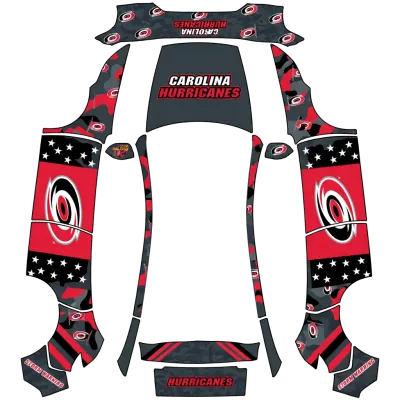
Carolina Hurricanes
Model Y (2025+) Premium↓ 1
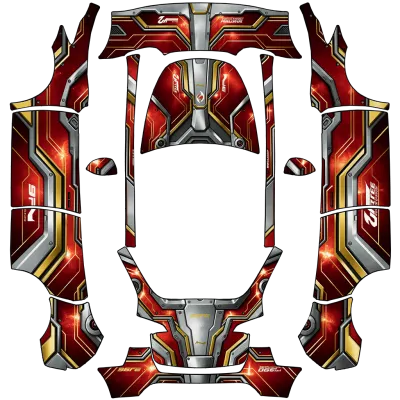
Racing Iron Man (Racing iron man)
Model Y (2020–2024)↓ 11
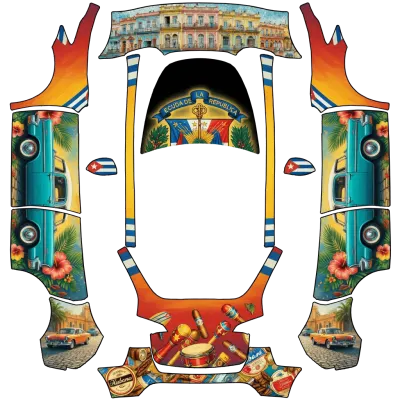
Kuba (Cuba)
Model Y (2020–2024)↓ 2
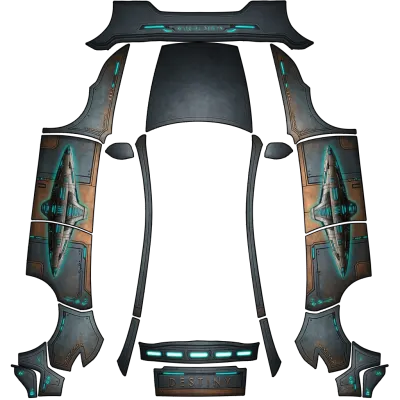
Stargate
Model Y (2025+) Performance↓ 3
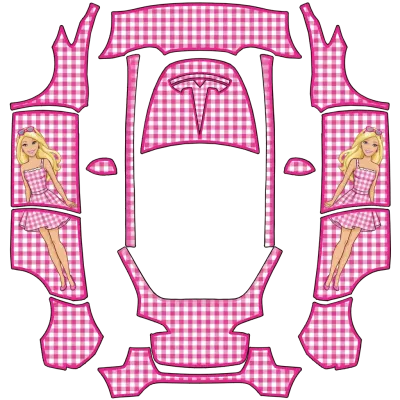
Gingham
Model Y (2020–2024)↓ 2
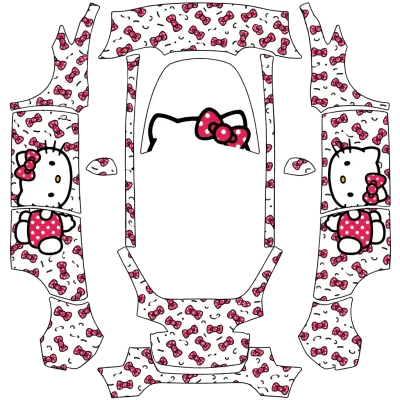
Hello Kitty (Hello kitty)
Model Y (2020–2024)↓ 9
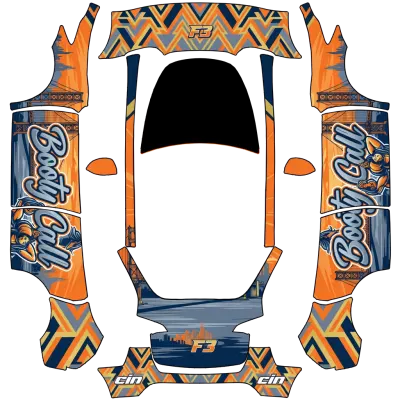
F3
Model Y (2020–2024)↓ 1
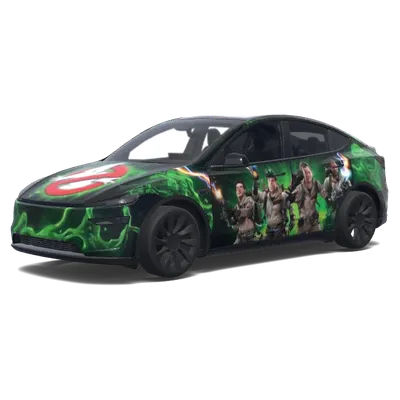
Ghostbusters Slimer Tesla Folierung
Model Y (2025+)↓ 3
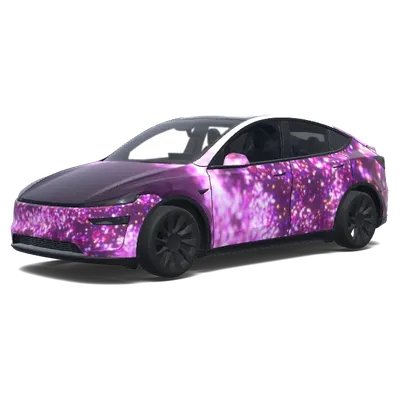
Purpurner Galaxie-Glitzer
Model Y (2025+)↓ 5
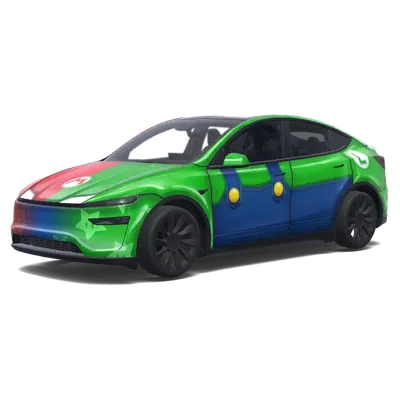
Luigi-Folierung
Model Y (2025+)↓ 33
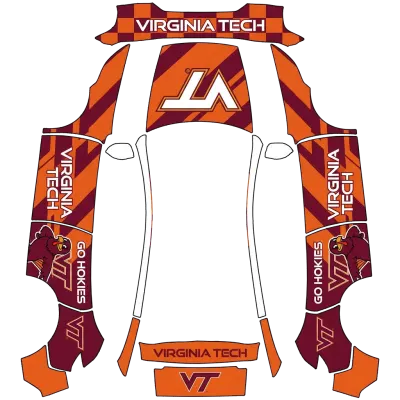
Virginia Tech
Model Y (2025+) Premium↓ 6
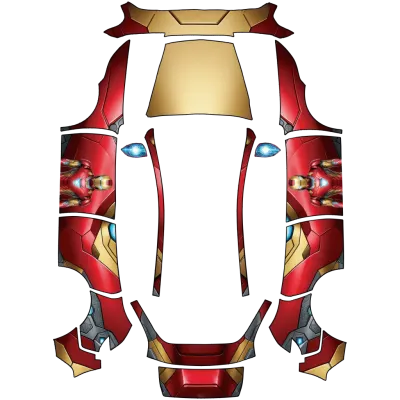
Iron Man (Iron man)
Model Y (2025+) Standard↓ 47
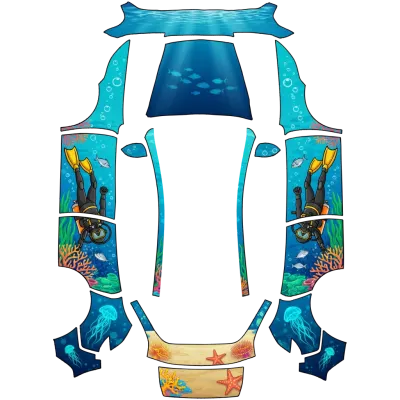
Tauchen (Scuba)
Model Y (2025+) Standard↓ 5
Welche Vorlage passt zu meinem Auto?
- Prüfe deine Front- und Heckleuchten, um das Modell zu identifizieren.
- Das Model Y (2025+, Juniper) verfügt über eine durchgehende Lichtleiste an Front und Heck.
- Wenn du ein Performance-Modell von 2025+ besitzt, achte auf die unterschiedlichen Stoßfänger.
- Wähle für Standard oder Premium (2025+) die Vorlage, die zu deinen spezifischen Ausstattungsmerkmalen passt.
FAQ
Welche Model Y Vorlage sollte ich herunterladen?+
Lade die Vorlage herunter, die zum Baujahr und zur Ausstattung deines Autos passt. Nutze 'Model Y (2020–2024)' für ältere Modelle. Für Modelle ab 2025+ prüfe auf die durchgehende Lichtleiste, um das Juniper-Modell zu bestätigen, und wähle dann Standard, Premium oder Performance basierend auf deiner spezifischen Ausstattung und Stoßfängerform.
Warum lädt meine Wrap-Datei nicht im Paint Shop?+
Stelle sicher, dass die Datei ein echtes PNG unter 1 MB mit Abmessungen zwischen 512x512 und 1024x1024 Pixel ist. Der Dateiname darf nur Buchstaben, Zahlen, Unterstriche oder Bindestriche enthalten und maximal 30 Zeichen lang sein. Bestätige außerdem, dass dein USB-Stick als exFAT oder FAT32 formatiert ist.
Wie viele Wraps kann ich von einem USB-Stick laden?+
Du kannst bis zu 10 Wrap-Designs von einem USB-Stick in die Paint Shop App laden. Lege die PNG-Dateien vor dem Einstecken in einen Ordner namens Wraps im Hauptverzeichnis des Laufwerks.